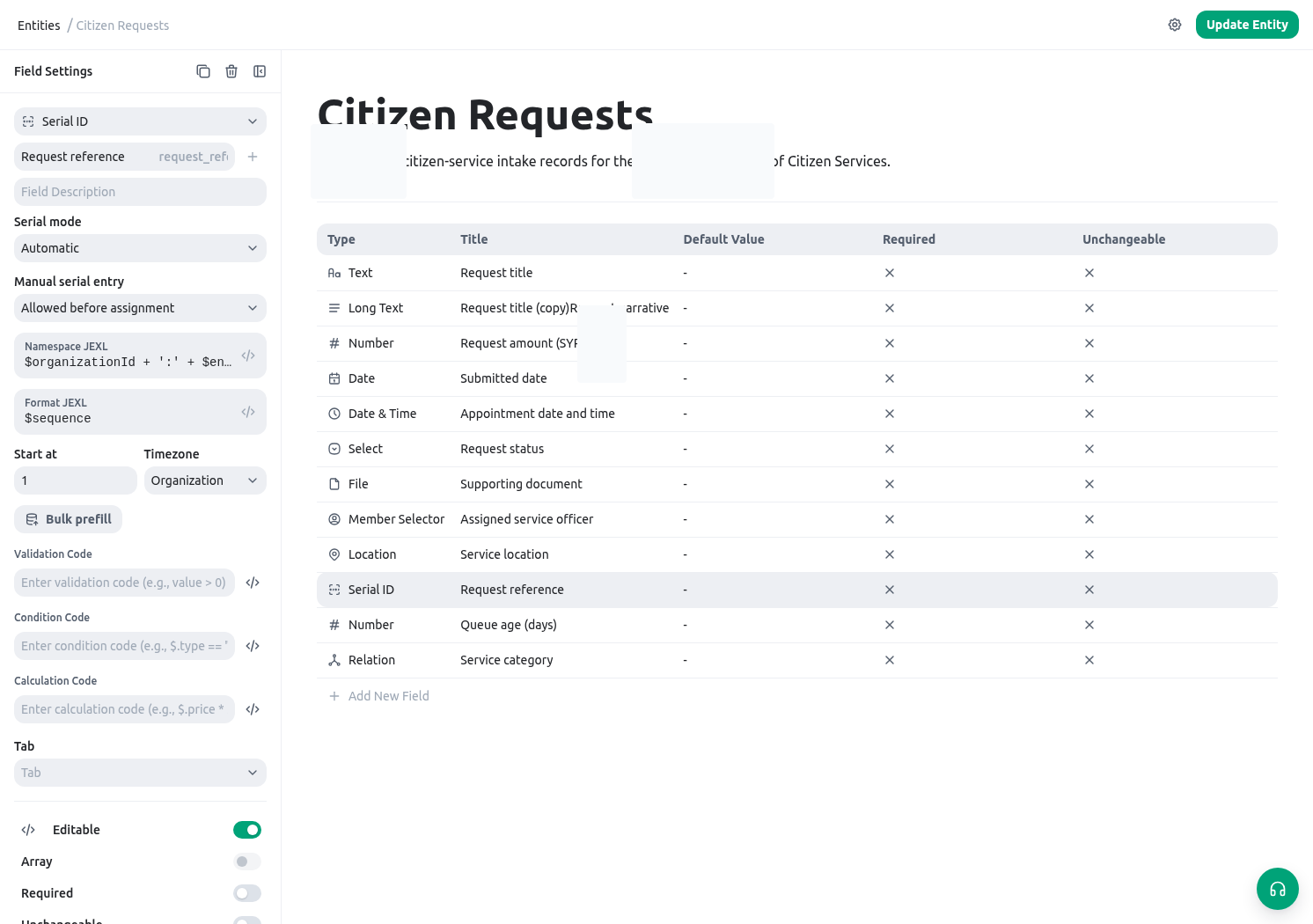
Use expressions to make a rule visible
An expression is appropriate when a value or decision can be derived consistently from fields that already exist. It is not a replacement for a workflow design, a permission model, or a review step. Good builder uses include:- calculating a service target from received date, category, and priority;
- showing a conditional section only when a request needs an inspection;
- validating that an amount is positive or a reference has a required format;
- constructing a readable document or notification line from structured fields;
- summarizing a related list for an internal reviewer.
Choose the right place for the rule
Keep the rule near the decision it supports. A calculated service target belongs with the request fields; a document phrase belongs in the document template; a permission-sensitive lookup belongs only in its supported form context.
Build a calculated field step by step
1. Define the result in plain language
For a permit request, write: “The target date is two days after receipt for urgent requests and seven days after receipt for all other requests.”2. Confirm the source fields
You need a Date or Date-time field such asreceived_at and a controlled field such as priority. Do not rely on a visible label if the expression needs the field key.
3. Write the smallest expression
4. Test normal and exceptional records
Test an urgent request, a normal request, and a request with no received date. Decide what the blank-date result should be before publishing. If a missing date must block work, use a validation rule; do not silently calculate an unreliable target.Four practical patterns
Calculate a numeric result
Use normal fields for amounts and a calculated field for the final, reviewable result.Show a conditional section
Use a simple condition to avoid asking irrelevant questions.Validate a reference before saving
Validation expressions returntrue when valid and a localized message when invalid.
Build a document sentence with a fallback
Use a template string to construct readable text without exposing missing data.Make expressions maintainable
- Name fields for their business meaning, not for a temporary screen label.
- Prefer one short expression per decision over a long expression that combines unrelated policy.
- Use parentheses around mixed arithmetic and comparisons.
- Treat
null, empty text, and empty lists as expected states. - Keep rule text and the user-facing field description aligned. If the policy changes, update both.
- Test with a non-production record after changing a field key, option value, relation, or template context.
Diagnose a result before changing the expression
Next steps
- Read the complete expression language syntax.
- Browse all registered helpers, each with a signature and example.
- Use Entity fields and layouts to choose the right source data before writing a rule.