

A KayanOS connection is required first
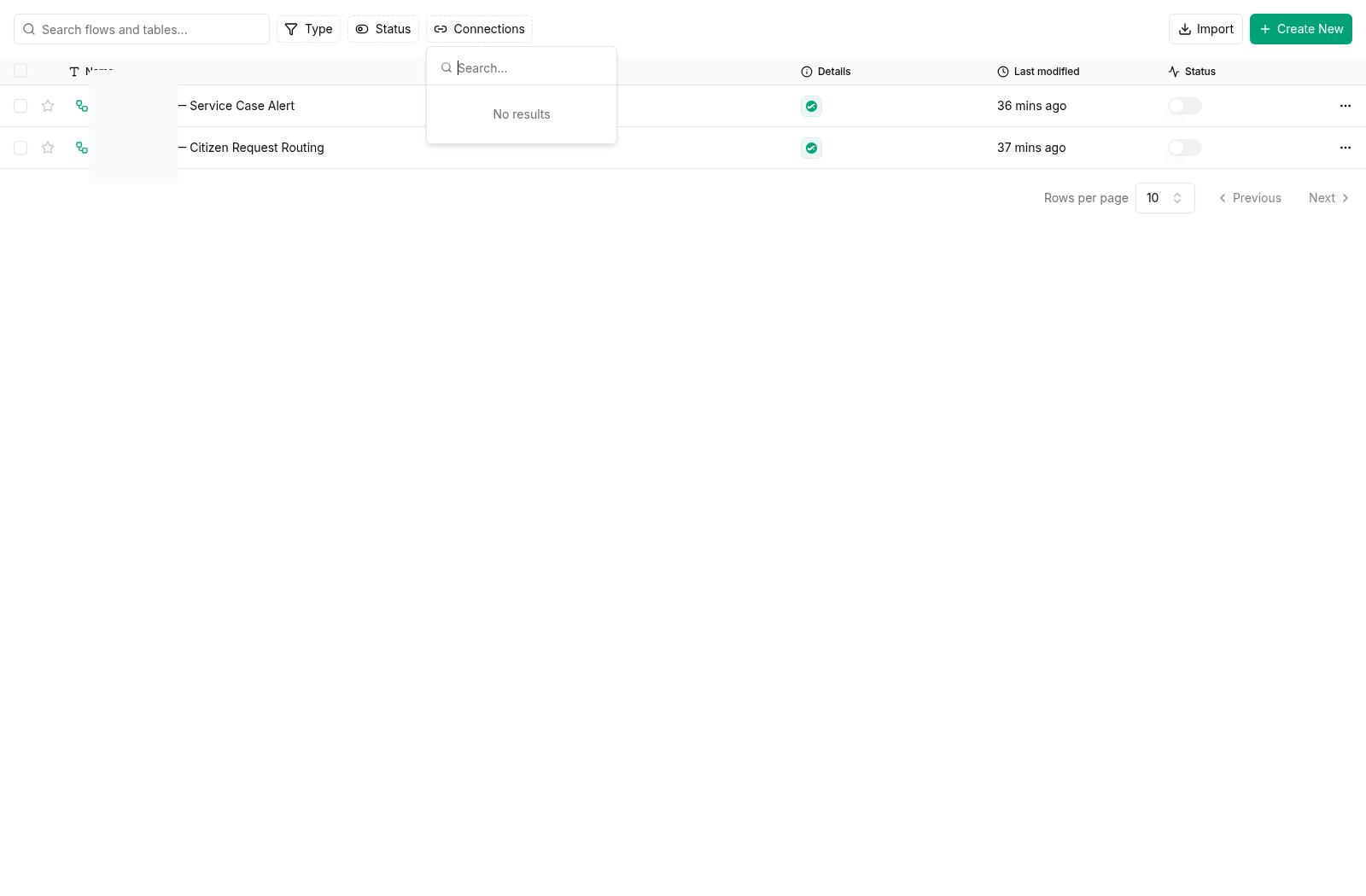
Every released KayanOS Automations trigger and action requires a selected KayanOS connection. It is an organization-scoped authorization boundary for the automation, not merely a box for external credentials. Select it before choosing a trigger, mapping fields, or testing an action. An internal outcome—such as creating a KayanOS record, starting a task, rendering a document, returning a dashboard response, or sending an internal KayanOS notification—may not need an external account. It still needs the KayanOS connection selected for the flow. Add an external authorization only when the approved service outcome genuinely crosses into an external system. The practical question is therefore two-part:- Which approved KayanOS connection authorizes this automation within the organization?
- Does this specific outcome also need an external system/account, and if so what is the smallest approved additional authorization?
Connection ownership model
Every connection needs an accountable organizational owner. It must never depend on one employee’s personal account or an undocumented credential.Approve a connection before building with it
- Define the outcome. Describe what the automation must achieve. State whether it stays inside KayanOS or also requires an approved external system.
- Map data fields. List the exact values that cross the boundary. Exclude citizen data, staff data, attachments, or internal notes unless their transfer is explicitly approved.
- Choose least privilege. Request only the required organization, project, service, table, or endpoint scope. Prefer read access over write access where possible.
- Assign owners. Record business, technical, and credential-rotation owners before authorization.
- Plan revocation. Know how the connection will be disabled and how the automation behaves afterward.
- Use a non-production path. Validate it with approved non-production records and recipients before touching a production service scope.
- Document the review. Keep the purpose, scope, test evidence, and expiry/review date with the automation’s operating record.
Configure safely in KayanOS
When creating or selecting a connection in the automation editor:- Select the organization-owned connection that matches the approved purpose; do not create a duplicate personal variant.
- Confirm its label, owner, current validity, and permitted scope before mapping fields. Reconnect/re-authorize it through the approved owner path when the editor reports it is no longer valid.
- Map only the values approved for that connection. Avoid passing a whole record when the target needs one identifier or status.
- Keep write actions behind the same explicit conditions you would use for a built-in KayanOS action.
- Ensure a failed connection creates an internal, reviewable outcome rather than silently dropping the service request.
Test plan for a connection-backed flow
Diagnose a connection before changing the flow
Guardrails
- Never paste secrets, access tokens, private keys, or connection credentials into an expression, record field, task note, document template, or screenshot.
- Do not use a connection to bypass KayanOS permissions or a required human approval.
- Do not enable broad external writes during initial testing.
- Re-review the connection when its owner, scope, endpoint, data classification, or service purpose changes.
Internal record, form, task, document, dashboard-response, and notification outcomes may not require an external account, but every released KayanOS Automation still starts with its selected KayanOS connection.
Continue building
- Select an event in KayanOS Automations triggers.
- Map the outcome in KayanOS Automations actions.
- Review permissions and availability before authorizing or widening any connection scope.