

When to use it
Use a node when you need to represent an organizational unit such as a directorate, department, regional office, or service team. Use a location when you need to represent a physical or service place such as a counter, office, regional centre, or mobile point. Create these records before creating positions. A position can reference a node, a location, or both. That relationship later helps KayanOS present the organizational context of an assignment and resolve an inherited shift. Do not use a location to model reporting lines, and do not use a node as a substitute for a role or permission scope.Configuration
The type choices shown in Nodes and Locations are organization configuration. Use the choices visible in your workspace; do not assume that another directorate’s type list is available.
Build the hierarchy deliberately
- Start with the highest meaningful unit.
- Add child nodes only when they represent a real operating responsibility.
- Add locations separately, even when their names resemble a node.
- Link a position to the node and location that describe where the role belongs and works.
- Add a default shift only after shift definitions have been reviewed.
Workflow
- Open the Nodes or Locations area available to your current organization and capability.
- Search for the code first. Reuse an existing parent only when it represents the correct unit or place.
- Enter the required code, name, and type. For a location, complete the address fields that your organization requires.
- Select the parent record. Check that the parent is the same kind of record: node-to-node or location-to-location.
- Save and open the record again. Confirm its parent, type, and any default shift before creating or moving positions.
- Create or update the related position only after the node/location record is correct.
Worked example
The directorate wants to open a regional counter without confusing the responsible unit with the building.Node: CS-REG-DAM — Damascus Regional Citizen Services Parent node: CS-HQ — Citizen Services Directorate Location: LOC-DAM-COUNTER-01 — Damascus Service Counter Parent location: LOC-DAM-CENTRE — Damascus Regional Service Centre Position: POS-INTAKE-01 — Intake Adviser Position links: CS-REG-DAM and LOC-DAM-COUNTER-01This gives the adviser’s later assignment both an organizational context and a service-place context. It does not give the adviser permission to view every regional record. Access remains a separate capability-and-scope decision. If the regional centre uses a default day shift, record it at the level your operating model intends. An assignment can then inherit it through its position. Do not add an assignment-level override merely because a shift is available; use an override only for a genuine exception.
Testing
Test the model in a training or draft workspace that contains no live citizen, employee, or payment data.- Create one child node and one child location with unambiguous temporary codes.
- Attach a temporary position to both records.
- Open the node and position hierarchy views to confirm the parent path is correct.
- If a default shift is used, create a test assignment and verify the expected shift context before relying on it operationally.
- Remove or clearly retire the temporary test records according to your organization’s data-management procedure.
Troubleshooting
Permissions and data-quality limits
Seeing Nodes or Locations in navigation requires the relevant entity capability. Editing or deleting an existing record can additionally depend on scopes attached to that record. A person’s title, group, position, or place in the hierarchy is not proof of access. Keep location addresses and orientation files limited to information appropriate for the intended audience. A node/location hierarchy is an operational model, not an authorization model, payroll record, or legal establishment register.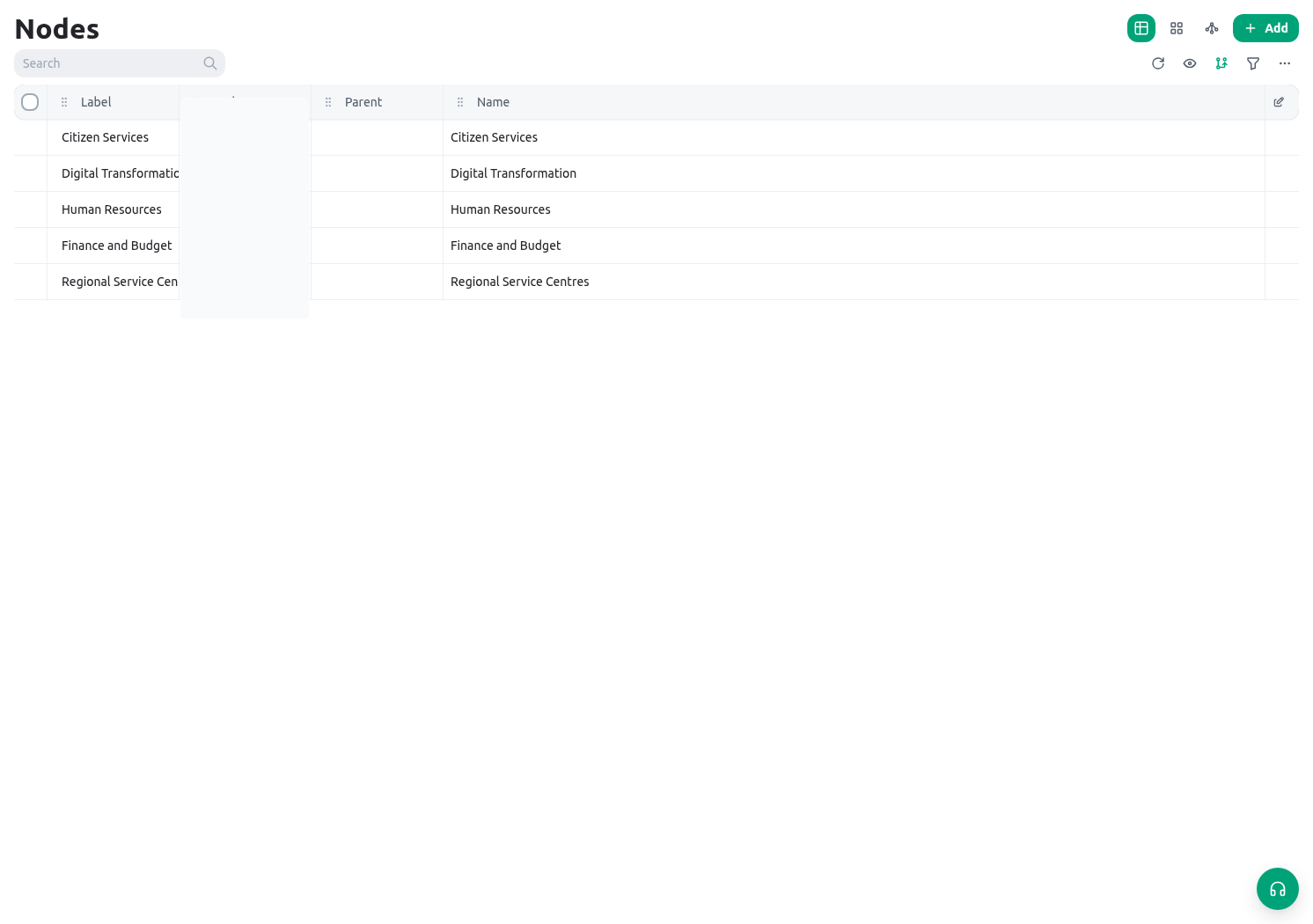
Related guides
- Continue with Workforce members to create the people who will hold positions.
- Use Groups, positions, and assignments to connect staffing to the new structure.
- See Shifts and timesheets before setting a default service window.