

When to use it
Create a payroll input for an approved variable item that should feed a salary-slip calculation: a bonus, deduction, overtime amount, reimbursement, correction, employer contribution, or information-only item. Use Compensation Terms for recurring contractual earnings. Do not use either record as proof of payment, a disciplinary decision, or a substitute for the organization’s approval and legal review.Prepare the calculation basis
Before entering a live item, confirm:- the payroll component exists and has the correct direction and legal class;
- the member has the selected assignment, and an active recurring compensation covers that assignment on the first earned day;
- an active payroll-policy version covers the member or assignment on that day;
- the currency and earned/payment periods are approved; and
- the member’s payroll-input scope permits the intended list, open, create, update, or delete action.
Configure the input
Calculate and review
- Open Payroll Inputs or Deductions and create the record with its component, matching assignment/member, earned period, payment month, and currency.
- Enter a fixed amount or quantity and rate. Overtime needs positive hours and the appropriate time classification.
- Save the input. There is no separate input approval step. Until a salary slip consumes it, the input remains editable with the required scope and permissions.
- Choose Preview calculation to review the rate, calculated amount, payable amount, and policy snapshot. An override reason is optional in the product; retain any explanation your organization requires.
- Calculate the intended salary slip and review its input lines. Previewing an input or calculating a draft slip does not reserve the input.
- An authorized reviewer approves the salary slip. Approval links the consumed inputs to that slip and freezes them so another slip cannot consume them again.
Worked example
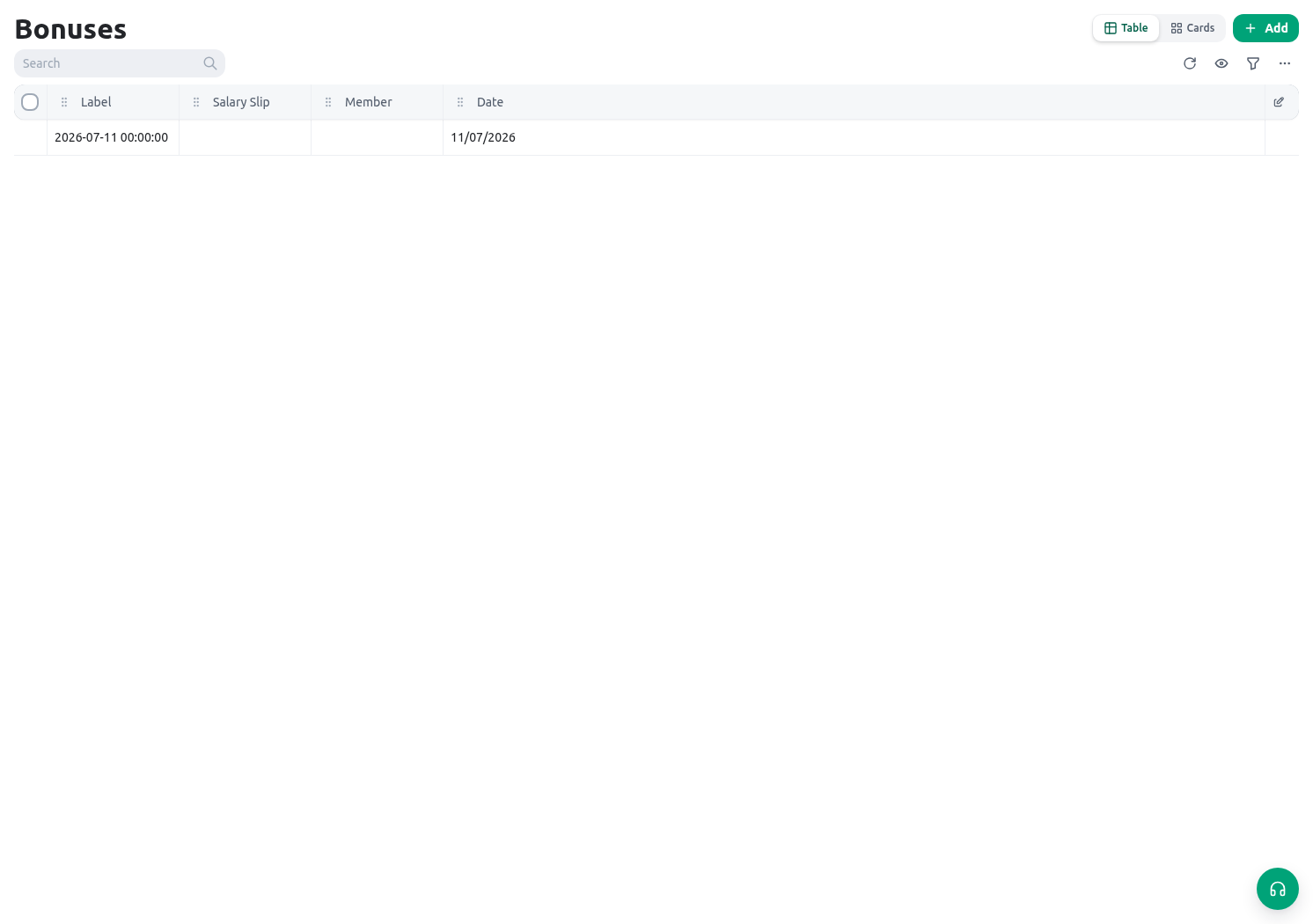
The Directorate records an approved September service-recognition bonus for Rania’s active assignment.Direction: Earning Input type: Bonus Component: Service recognition bonus Earned period: 1–30 September Payment month: September Calculation: Fixed amount Before review: saved and not yet consumedThe payroll officer previews the record, confirms the active policy and compensation produced the expected payable amount, then reviews it in the intended salary slip before that slip is approved. The resulting record supports later salary-slip calculation. It does not prove that payment was transferred or that the bonus is legally required.
Testing
Use a temporary member assignment, component, compensation term, policy version, and period that no live payroll uses.- Create one fixed earning and one fixed deduction, preview each, and confirm the component controls direction.
- Try a member from another assignment and confirm the record is rejected.
- Try an earned start date with no active compensation and then no active policy; confirm calculation stops with the specific missing prerequisite.
- Create an overtime input with positive hours and each relevant classification; confirm a non-overtime component, missing classification, or zero quantity is rejected.
- Preview a valid override with and without a reason; the reason is optional. Confirm both retain the intended amount.
- Confirm an input remains editable after preview and draft-slip calculation. Approve the test salary slip with the required permission and verify the consumed input is linked and cannot be edited or reused.
- Create a linked test reversal only through the approved correction process, then retire the test records according to policy.
Troubleshooting
Permissions and data-quality limits
Payroll Inputs, Compensation Terms, Payroll Policies, component catalogs, and salary slips have separate permissions and scopes. A member can be limited to reading their own payroll inputs and compensation; that does not grant creation, preview, salary-slip approval, policy management, or access to another member. Input preview requires scopedupdate on payroll_inputs; salary-slip approval separately requires salary-slip update access.
Keep amounts, dates, quantities, classifications, overrides, and sources traceable to approved evidence. KayanOS calculates from the stored policy and compensation data, but it does not decide employment policy, tax treatment, legal entitlement, disciplinary consequences, or authorization to transfer money.
Related guides
- Review exact periods and immutable results in Payroll and salary slips.
- Maintain assignment context in Groups, positions, and assignments.
- Review attendance-derived inputs in Shifts and timesheets.