

- A group is a membership grouping.
- A position is a role in the organization, with an optional parent position, node, location, seniority level, and shift.
- An assignment links one member to one position for an operating period.
Enter assignment dates as calendar dates
Assignment start and end are dates, not appointment times. Enter the intended first and last day and reopen the saved assignment to confirm them. Do not add a time-of-day offset to compensate for display differences. If a date is unexpected, check the saved date and assignment history before changing a period used by attendance or payroll.When to use it
Use groups to organize members for an approved operational purpose. Use positions to define the organizational roles that must be staffed. Use assignments whenever a member starts, changes, pauses, finishes, or terminates a relationship with a position. Create the organizational node and location first when the role belongs to a specific unit or service point. Create the member before the assignment. This order prevents records that appear staffed but have no clear person, position, or location context.Configuration
Assignment statuses available in the source include active, paused, terminated, and finished. Use the values visible in the deployed workspace and record related pause/termination dates and reasons when your organization’s process requires them.
Shift and holiday exceptions
An assignment can carry a direct shift and holiday-group selection. Normally, allow the position and its linked structure to supply the default context. Use the assignment override only when the member genuinely works a different arrangement. An unnecessary override makes future structure changes harder to apply consistently.Workflow
- Create or verify the node and location.
- Create the position, link it to the right node/location, and choose a parent position only when it reflects an actual reporting relationship.
- Create or verify the member record.
- Create the assignment with the member, position, start date, and required organization fields.
- Review inherited shift and holiday context. Add an override only for an approved exception.
- Select employment, contract, seniority, experience, salary/currency, probation, and status information only when those fields are enabled and approved for the record.
- When the relationship changes, record the new period/status rather than overwriting history without review.
Worked example
The Damascus Regional Service Centre needs temporary coverage for an extended counter window.Group: GRP-DAM-INTAKE — Damascus Intake Team Position: POS-INTAKE-01 — Intake Adviser Node/location: Damascus Regional Citizen Services / Damascus Service Counter Member: MEM-1042 — Rania Haddad Assignment: 1 September to 30 November, active Shift: inherited from the position unless the extended window is an approved exceptionFor the extended window, create a distinct approved shift or a carefully documented assignment override. Do not rename the position to include a person’s name, and do not make a group membership change look like a reporting-line or access change. If the temporary coverage ends, set the appropriate end/status information and preserve the assignment record. Rania can remain a member and can later receive another assignment.
Testing
Use a training or draft workspace without live staff or compensation data.- Create one temporary node/location pair and one temporary position.
- Add a temporary member and assignment with a short date range.
- Confirm the position tree shows the intended parent relationship.
- Compare inherited versus intentionally overridden shift/holiday behavior.
- Verify that changing the group does not automatically create a new assignment or grant an unrelated capability.
- Retire the test records using the organization’s approved cleanup process.
Troubleshooting
Permissions and data-quality limits
The relevant Groups, Positions, and Assignments pages require their own entity capabilities. Editing or deleting an existing assignment can require a matching scope in addition to an entity-level capability. Do not give broad access merely to let a manager view a structure. Salary, currency, contract, probation, leave, and termination information are operational data fields. Their presence does not create legal classifications, payment obligations, benefits decisions, or employment-policy conclusions.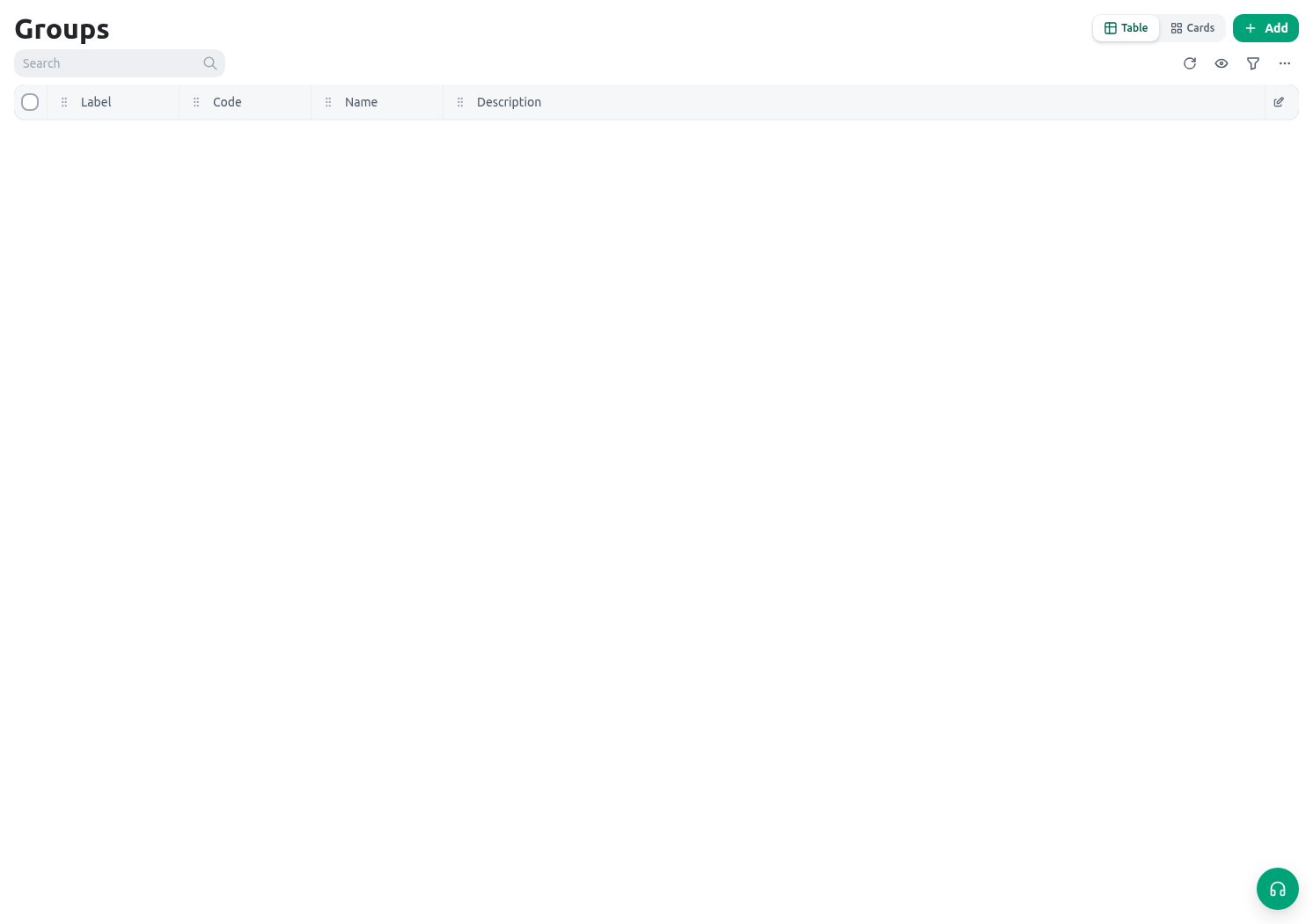
Related guides
- Begin with Nodes and locations.
- Maintain people records in Workforce members.
- Set service windows in Shifts and timesheets.