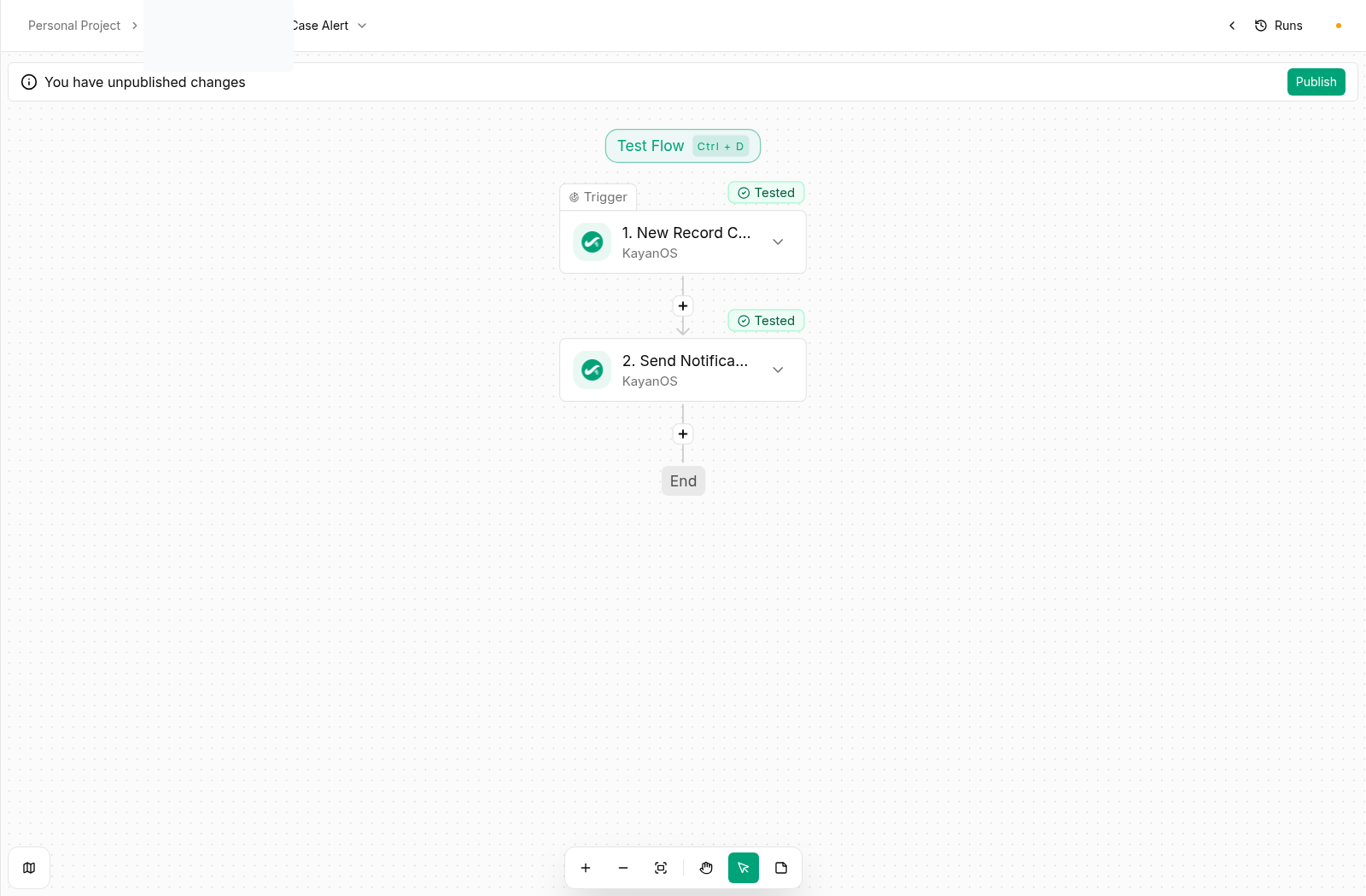
Each recipe is a design pattern, not a workflow to enable unchanged. Adapt the table, status names, owners, form versions, action names, and permission scopes to your organization. Build it in an approved non-production workspace first, verify every output, then move through a controlled rollout.Every recipe follows the same safe shape:
Test the intake event with a non-production request such as REQUEST-TEST-001.
Inspect the trigger output and identify the exact source ID and category fields.
Find existing open cases for that source ID.
If one exists, stop or update the existing case according to the service policy.
If none exists, create a single case with a clear source relationship and a queue-owned status.
Create a task only after the case is created successfully, so the task always has a reviewable target.
Notify only the queue owner or a constrained member selector—not a broad organization-wide audience.
Common extension: Add a category-to-unit lookup after the duplicate check. Keep the fallback explicit: if no unit is found, create a review task for a central triage team instead of guessing the owner.
Do not trigger on every update to an application. An address correction, attachment upload, or note change should not schedule another inspection. Require the expected old/new state or an equivalent explicit eligibility marker, and record which inspection case was created.
An escalation should carry the information needed to act: source case ID, current queue, age, responsible unit, next expected decision, and link or relationship to the case. Avoid sending a generic alert that requires the recipient to search for context.
Treat the template as part of the service policy. Test it with empty optional values, long text, Arabic content, and each allowed decision outcome. Verify that the generated artifact has the right headings, signatory information, date, and attachments before using it in a live process.
Build with an approved non-production record and non-production recipients only.
Verify the trigger payload, condition, every read, every write, and final result.
Run each negative case: missing data, unrelated update, duplicate attempt, wrong status, and unauthorized scope.
Have the service owner review the created record, task, document, or response—not just the automation editor output.
Enable the smallest service scope first.
Monitor the first live results and retain a clear path to disable the flow if results differ from the approved design.
Never copy a recipe directly into a live service. Each one requires the organization’s own data model, access rules, approval boundaries, and accountable owner.