

Configure fees, eligibility, and follow-up forms
Open the service’s Overview to review its setup and Fees to define structured fee items, amounts, due stages, conditions, payment instructions, and eligible exemptions. A fee description alone does not record payment. Authorized staff record a payment with its receipt number or a configured exemption on the request. Review the outstanding amount and any configured payment deadline before advancing the request. Use the service’s eligibility settings for company requirements. Review the applicant’s company data and the configured conditions; portal sign-in alone does not establish eligibility. Follow-up rules can request another published, sendable form when the request reaches a specified status. Configure its title, deadline, notification, and optional status after submission. The applicant opens it from the original request and its answers stay attached to that request. If it cannot be sent, check publication and lifecycle settings before assigning it.Register a walk-in request at a service center
Enable center intake for a service with an in-person step, an intake form, and the intended centers. Assign staff to centers. With Only assigned staff enabled, the intake desk limits staff to their centers; service administrators can work across centers. Staff still need permission to initiate or edit the form. With the restriction off, center assignment is not an access barrier. At the intake desk, confirm the selected center and its open queue. Start the service request, confirm the applicant’s name and phone, record received documents and any fee receipt, complete the form, then print the request receipt. The applicant can track the request by its number and phone on the portal. Verify those details before handing over the receipt. If a center is unavailable, ask the service administrator to check assignment and service availability rather than registering under another center. Applicant WhatsApp notices depend on configured templates and their provider approval. A submitted or rejected template is not a delivered notice; review its status and correct rejected content before relying on that channel.A public portal is an intake boundary
The KayanOS public portal lets a citizen discover services, read their requirements, start eligible online requests, and return to their own requests. It is not an external view of the internal KayanOS workspace, a public entity browser, or a shortcut around member roles. A public participant can work with their own permitted public session; they cannot use the portal to browse other citizens’ requests, internal queues, dashboards, documents, or staff records. Use the portal for a Citizen Service Request that starts an approved intake process. Keep internal review, inspection, decision, member-only fields, and administration behind the appropriate authenticated KayanOS permissions.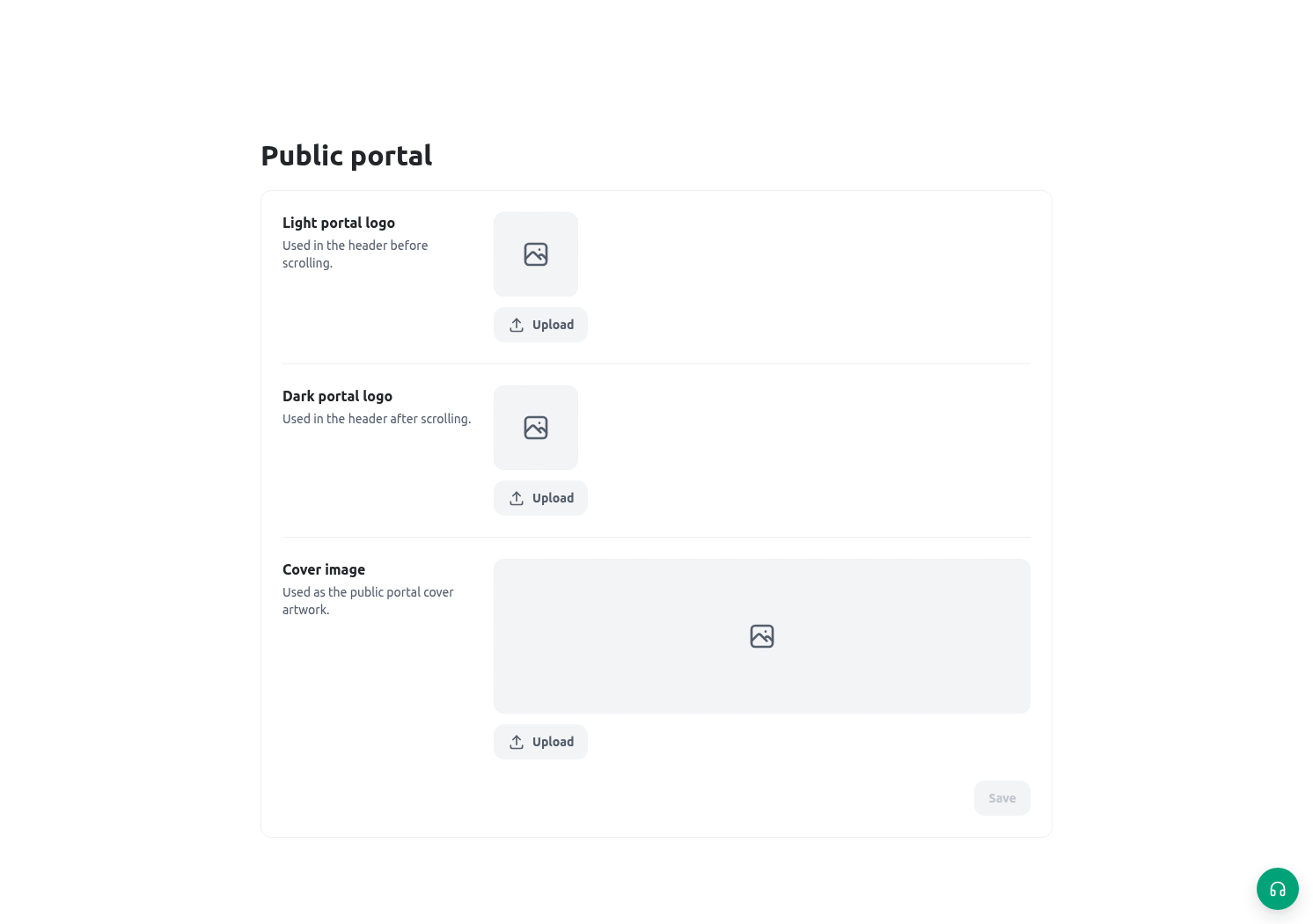
Configure the service that owns intake
Open Services to manage the service profile, path, and access policy. Service management requires the relevant form-publishing authority; form-specific settings also check form-update access. A service can contain several forms and in-person steps. Its access policy takes effect when saved, independently of form publication. The form builder’s Service tab shows the owning service and links to its settings.
Configure published, paused, or draft status; opening and closing dates; account and verification requirements; maximum open requests per applicant; and total capacity. A paused service can remain listed with its pause explanation while refusing a new start. Online entry still needs an eligible published regular form. Offline forms are not online intake forms. Legacy forms without an explicit service can retain an implicit service derived from their existing public configuration.
Design the citizen journey before publishing
Write the complete journey from the citizen’s point of view:- The citizen finds Citizen Service Request under a clear topic/folder such as “Service requests.”
- The portal shows a localized title, concise description, optional cover image, and icon that explain what the form is for and who may use it.
- The citizen learns whether an account is required before beginning—not after entering a long set of values.
- The citizen starts one public session, completes the fields, and receives only the permitted reference/status information.
- Internal Registry, Field Inspection, and Decision teams continue the work in authenticated KayanOS surfaces.
- If the form closes, reaches its cap, or requires an account, the portal gives a clear next channel rather than leaving the citizen to retry blindly.
Configure portal information architecture
Give the service a clear name and bilingual description, application and section, expected duration, fees, eligibility, required documents, and instructions for what happens after submission. Review its path in order. The first step must match the delivery mode; later steps can depend on request status. Add service centers and appointment requirements for in-person work. A displayed appointment requirement does not itself book an appointment. Keep English and Arabic instructions equivalent. Configure the organization identity, portal logos, supported languages, and default language. Check the service guide, mobile layout, and request reference in both languages before sharing the public link.Applicant accounts and verification
Account requirements belong to the service policy. Configure whether verification is checked before starting or before submission. Avoid requiring staff-reviewed identity at the start if staff cannot review it until a request exists. Public accounts remain separate from staff membership and never grant internal record access. Administrators can define applicant profile fields and verification levels. Applicants maintain their permitted account fields; staff see only fields configured for staff visibility, plus the applicant name. Verification applies to the value that was checked. Changing that value means the old verification no longer proves the new one. Where the account flow asks for a code, use the six-digit code within 10 minutes. Resend is limited to once per 60 seconds, with further request limits. Five incorrect attempts lock verification for 15 minutes. Password recovery gives the same acknowledgement whether or not the account exists. Complete a verified password reset within its 15-minute, single-use continuation; successful reset ends the account’s existing sessions. Never disclose codes or use a staff session to complete an applicant’s recovery.Publish a controlled Citizen Service Request
- Build and test the regular form, its lifecycle, and its stages with synthetic data. Publish the intended form version.
- Open or create its service. Set the guide, delivery mode, entry form, and subsequent steps.
- Review account and verification gates, application dates, capacity, and centers. Saving the service policy applies it immediately.
- Enable request-handling features for each form that needs staff review, correction requests, applicant messages, updates, or ratings. These features are off unless enabled.
- Publish the service to the portal through its service controls. Test the public page on desktop and phone in English and Arabic.
- Start and submit as an eligible applicant. Confirm the applicant can return to their own request and cannot open another applicant’s request.
- Test a paused service, a closed window, missing verification, and a reached limit. Check the explanation and approved next step.
- Have an authorized reviewer inspect the request, ask for a controlled correction, and verify the applicant can change only the selected items. Check any message’s send result.
Public session boundary
When a public participant starts an eligible form, KayanOS creates a session bound to that participant. Recent portal activity is limited to that participant’s own recent public sessions. A public participant cannot open a session merely by guessing or receiving someone else’s internal session ID. This boundary is important for follow-up design:- Use the returned/reference information that the form is designed to share.
- Do not send internal session IDs, signed file URLs, or staff-only links in a public message.
- Do not add a form expression or hidden field that looks up and renders data from another citizen’s request.
- If a citizen needs a status update, design and test a released, permission-safe public response rather than exposing the internal record.
Availability limits and closure behaviour
Existing sessions keep their own version and access boundary. Do not promise automatic reopening, transfer, or message delivery without checking the configured workflow.