

Review changes to an existing System
Start from the intended System so the builder can plan against its existing parts. Read every requirement and the proposed changes before approval. A completed plan remains available for review; a proposal with nothing to build can be closed without approval. Removing fields or forms requires a separate review of the exact removals and affected data. Fields still used in record labels, primary photos, surviving forms, or automations can block removal. Deleting a form also affects its sessions and submissions. Access, activation, and destructive changes require a fresh password or passkey check at approval where those changes are enabled. A successful identity check does not override permissions or dependency checks. If the live definition or affected counts changed, refresh the proposal and review again. After execution, inspect the result and removal receipt before continuing. Do not assume a failed multi-step change restored previous data. Use the existing role and release controls described below.Assisted building proposes; people decide
KayanOS-assisted building can turn a clear service description, a structured import source, or a revision request into a proposal for entities, apps, sections, tabs, fields, relations, and related configuration. It is a design accelerator, not an automatic publisher, a data-quality guarantee, or a substitute for an accountable builder. For a Citizen Service Request application, use it to draft a structure such as Request, Inspection, Service Centre, and Decision—then have the Directorate review the exact keys, field types, relationships, language labels, access verbs, and layout before saving anything.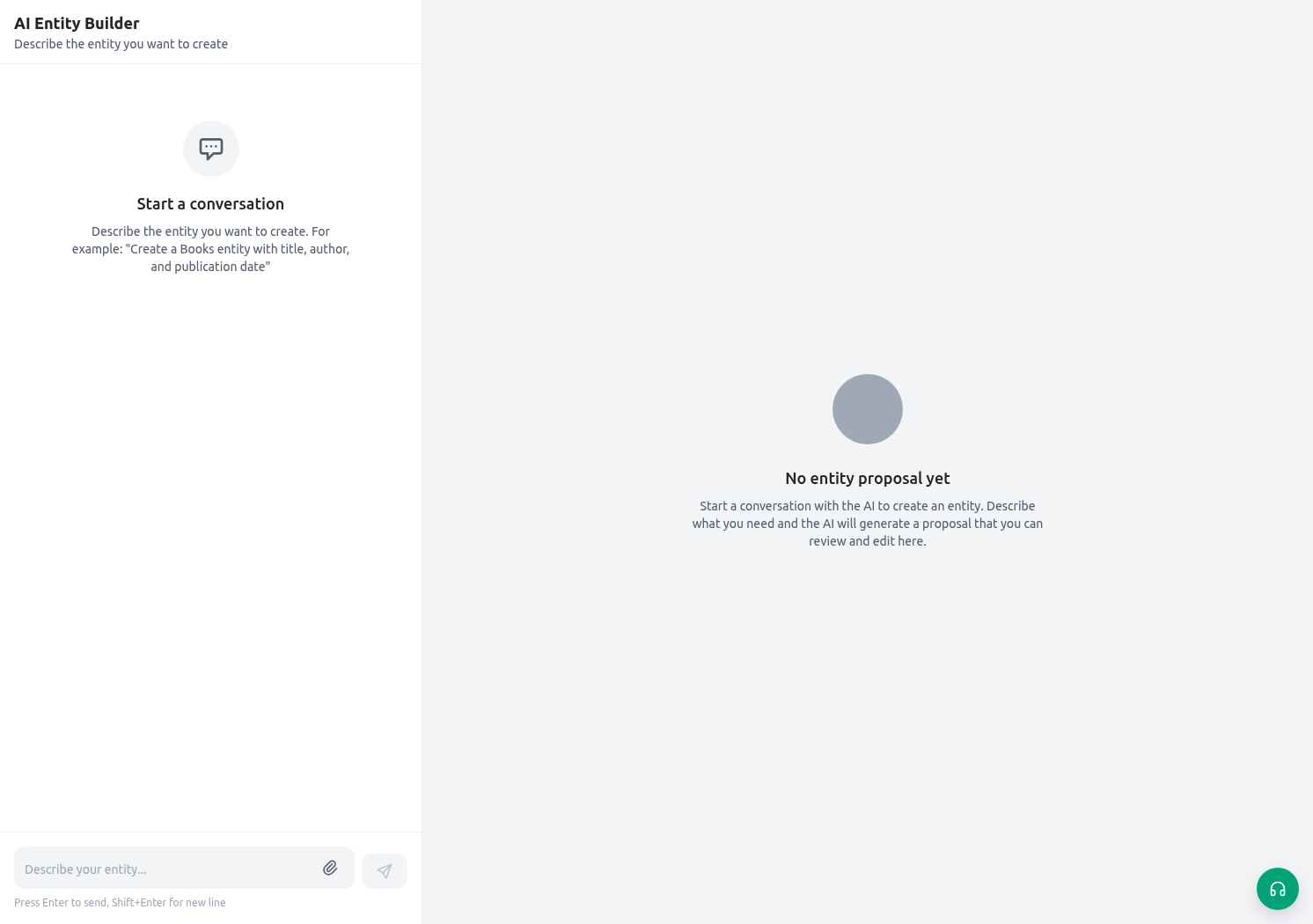
Prerequisites and permission boundary
Assisted builder/import work is available only when the organization enables the relevant capability and the member has the needed builder permissions. At minimum, the service checks the ability to create and update entities and create entity fields. A proposal does not grant a permission that the member does not already have. Before starting:- Name an accountable application owner and a reviewer for the service process.
- Confirm the member has the intended builder permissions in the target organization—not a broad production-owner role borrowed for convenience.
- Decide whether the work is a new design, a controlled extension of an existing entity, or a data/configuration import. These have different risks.
- Use an approved non-production organization or a tightly scoped development area for the first proposal and save/test cycle.
- Check the organization’s assisted-building usage/limit policy. A limit or unavailable service is not a reason to bypass review or upload data elsewhere.
Protect the input before you send it
Messages and attachments are part of the assisted-building request. Spreadsheet content can be extracted into text for proposal/import preparation; images and files may be provided to the service according to their type. Treat every attachment as data leaving the local builder screen for the configured KayanOS-assisted processing path. Do not upload:- live citizen personal data, national identifiers, confidential decisions, credentials, API tokens, signing material, or unredacted production exports;
- a whole production database extract when a small synthetic/approved sample will establish the mapping;
- a spreadsheet whose columns or values you have not reviewed for hidden sheets, comments, formula outputs, or sensitive metadata.
Two workflows on one page
1. Describe and review an application proposal
Use this workflow when the organization needs a new or expanded KayanOS application structure.- Write a constrained brief. Include the service outcome, actors, records, relationship direction, required fields, statuses, sensitive fields, Arabic/English labels, and what is explicitly out of scope.
- Ask for a small proposal first—one entity or one related group—rather than a complete organization model in one request.
- Review the proposal in the preview: entity key/title, app/section placement, tabs, sections, fields, types, required flags, select options, relation targets, and access-related configuration.
- Send a precise revision request for each change. When revising an existing proposal, ask for the specific change needed and re-check the resulting proposal; do not assume unrelated defects were silently corrected.
- Resolve validation errors and review warnings. Errors block a safe save; warnings are not permission to ignore a risky design.
- Make manual edits in the preview where that produces the clearest reviewed outcome.
- Save only after an accountable reviewer has approved the exact proposal. Saving creates/updates configuration; it does not automatically publish a public service or approve data access.
2. Prepare a data/configuration import
Use this workflow when a controlled source needs a proposed mapping into released entities/fields. The system can inspect entity/field metadata and limited allowed records to make a proposal, then validates field names, value types, relations, option values, permissions, uniqueness, and operation shape before execution.- Define the import owner, target entity, source-of-truth file, row count, unique key, expected create/update behavior, relation mapping, scope rule, and rollback/reconciliation plan.
- Remove unnecessary columns and sensitive values. Use a small approved sample first.
- Ask the builder to propose the mapping. Compare every source column to the proposed target field and check each relation target/option value.
- Read validation errors by row/column and fix the source or mapping. Do not convert an unknown field into a guessed free-text field merely to make validation pass.
- Test a tiny batch in the non-production target. Reconcile created/updated records, labels, options, relations, scopes, and duplicate handling.
- Obtain approval for the production import window, then execute the approved plan through the released import process and retain a result/reconciliation record.
2026-01-04. Import preview rejects invalid dates and years outside 1–9999 with INVALID_DATE; a raw Excel serial such as 46026 is not a valid replacement for the displayed date. Correct the source or mapping and preview again before applying. After a small test import, compare saved English and Arabic names with the source, including styled spreadsheet text. Formatting does not replace the underlying name, and import permission checks still apply.
For a hierarchical entity, map parent_id deliberately. A parent may be an existing record or another row in the same import, and the source can use the exact visible hierarchy label, a raw record ID, or an ID qualified with the same entity key. KayanOS resolves same-batch references and applies parent rows before children even when the child appears first in the spreadsheet. It does not guess an ambiguous or missing parent: an unresolved or foreign-entity parent is reported on parent_id and blocks mutation. Repeated rows with the same resolved hierarchy selection are collapsed when duplicate labels are not allowed.
Worked proposal: Citizen Service Request app
Start with a brief such as:
Reject or revise a proposal that creates a field because it is “generally useful.” Every field creates data, validation, access, migration, reporting, and retention responsibilities.
Validation is part of the design, not clean-up
KayanOS validates proposed imports/configuration against the current organization context. Common validation issues include unknown fields, invalid option values, missing required values, malformed create/update operations, relation values that do not resolve, duplicate/unique-key conflicts, and missing field/entity permissions. Use this response pattern:
Never ask the assistant to “make all warnings disappear” without understanding each one. A warning about a relation, option, duplicate, or permission can point to a real service-design decision.
Existing entities need extra care
Extending an existing entity differs from creating a new one. A proposal can add new structure, but existing data and configuration impose compatibility constraints. Before saving an extension:- inspect existing field keys/types and active forms, document templates, dashboards, API clients, imports, and automations that use the entity;
- do not assume a field type, title, required rule, option set, or deletion can be changed safely after records exist;
- add only the requested new fields/tabs/sections/verbs and review how they appear in both English and Arabic;
- test a known existing record, an empty/new record, and every released downstream surface that reads the changed field;
- plan data migration/backfill separately. A proposed field does not populate historical records automatically.
Test and release a saved proposal
After explicit save, use a controlled test sequence:- Create one non-production Citizen Service Request and one Inspection using the new fields.
- Test required fields, defaults, select options, relation selection, field labels, and Arabic RTL rendering.
- Test intended roles plus a role that should remain denied. Confirm sensitive fields and actions do not become broadly visible.
- If a form, serial ID, calculated field, document template, dashboard, public portal, API, or automation will use the change, configure and test that surface separately. A saved entity is not automatically ready for every feature.
- For a hierarchical import, include a parent and child in the same tiny batch with the child first. Confirm that preview resolves the exact visible parent label, the saved child points to that parent, and an intentionally missing parent is rejected before any records change.
- Review audit/change records, exact proposal version, validation result, test evidence, and rollback/remediation owner.
- Publish only the released surfaces that were explicitly approved. Do not infer public portal, public API, or automation publication from a successful builder save.