Require evidence and separate transition decisions
In a status template’s transition controls, require a reason or attachment when the decision needs it. Separation-of-duties rules can exclude the record creator or someone who performed a specified earlier transition. Record-type lifecycle rules can add a condition or exclude members named in selected fields. These checks supplement the transition permission; they do not grant it. Publish the intended template and record-type settings, then test the transition with an eligible member and an excluded member. The action explains a blocked transition and collects required inputs before submission. A condition that cannot be evaluated blocks the transition. Correct the rule or data instead of removing the check to force a decision. Use a transitions-only status field when members must follow these actions rather than edit the status directly. Configure status locks and frozen versions in the record type as described in Entity fields and layouts.Goal
Create and publish a reviewable status template, configure task terminology around it, and test both the allowed and disallowed paths before a live team depends on it.Find the settings in Builder
Status and task configuration now lives under Builder, not Administration. Open Builder → Status templates to work with lifecycle graphs. That item appears only when the member has at least one scopedcreate, update, delete, or share verb for status templates. Open Builder → Task settings to manage task categories, task types, and record relationships; its navigation requires at least one corresponding management verb for task categories or task types. Old Administration links redirect to these Builder routes, but saved links are not an access grant.
Organization-wide record-relation definitions and task-type record rules have an additional server-side boundary: only the organization owner or an organization administrator can change them. A member who can open Task settings but cannot save one of those organization-wide controls should ask an authorized owner to review the exact change, not request broader record access.
The model: status, category, transition, action
Statuses do not replace data fields. Put the actual inspection finding, decision reason, document, or citizen communication outcome on the record or controlled form. A status tells people where the work is; it is not all of the evidence for why it is there.
Before changing a live template
- Name the business owner for the workflow and the technical administrator who can publish it.
- List the entry state, every expected next state, the person accountable at each state, the required evidence, and the customer-facing meaning where applicable.
- Identify every entity, task type, form action, dashboard, document, or automation that reads the existing status values. Renaming or removing a state can affect filters, calculations, templates, and reports.
- Decide which users may trigger each transition. Role access and record scope still apply even when a transition exists in the graph.
- Build and test the change on controlled non-production work before publishing it to a live service.
- Prepare a rollback: retain the known published graph and a note describing how active records will be handled if a proposed transition is withdrawn.
Organize templates in folders
Use status-template folders to organize administrative configuration by service, directorate, or lifecycle family. Create folders and nested subfolders, open them through the breadcrumb path, and create or import a template into the current folder. Move templates or folders with the move action or supported drag interaction. Folder placement changes where administrators find the template; it does not change the template’s ID, publication state, references, or permissions. Before deleting a folder, read the confirmation counts. An empty folder can be deleted directly. For a folder containing templates or subfolders, deliberately choose whether to move its contents to the parent or delete the complete contained tree. Never use folder deletion as a shortcut for retiring a live workflow: inventory entity/task references and preserve the published lifecycle under normal change control first.Build the Citizen Service Request lifecycle
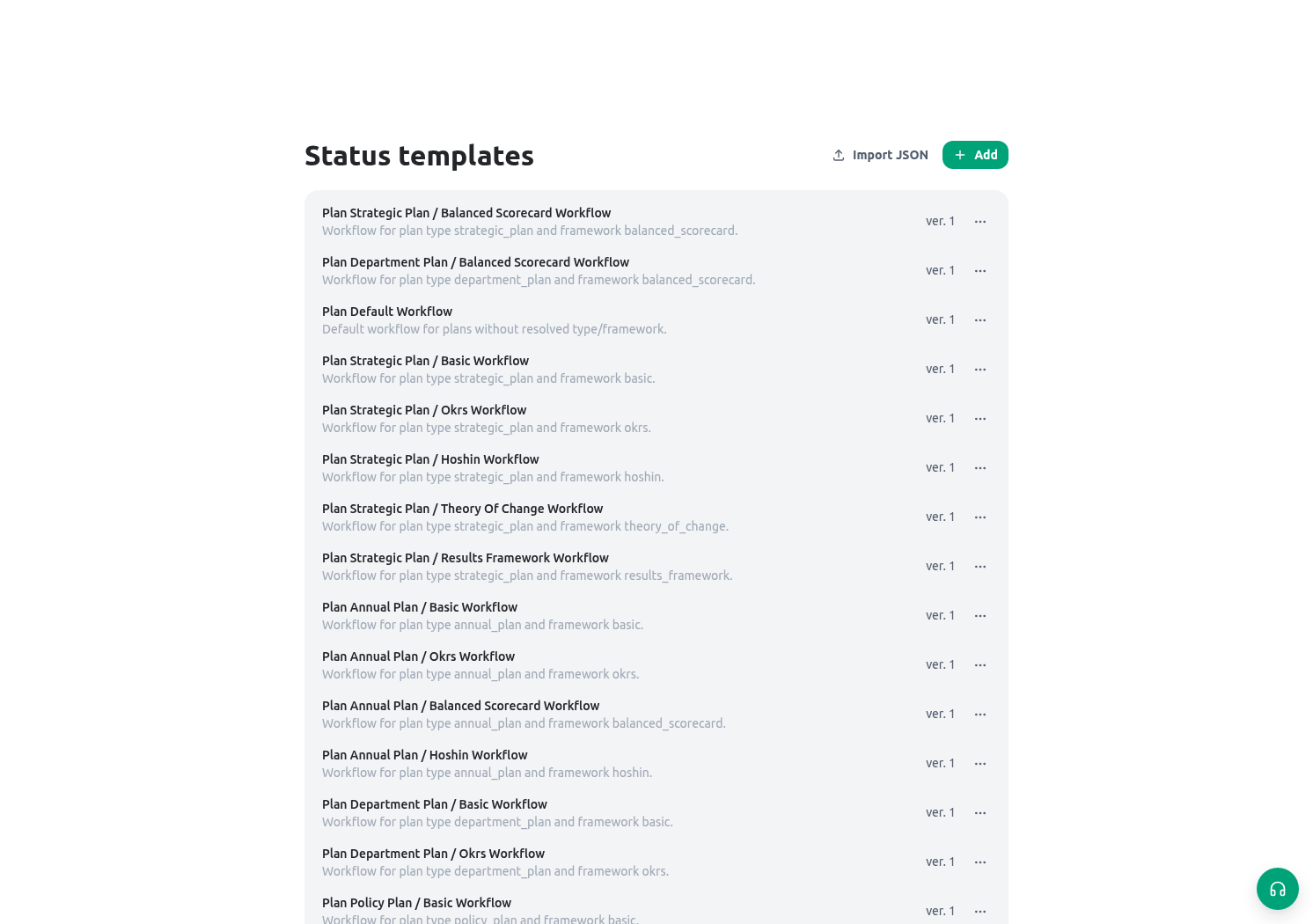
Open Builder → Status templates and create or edit the template. Build a small graph before adding optional branches.
Configure these elements in order:
- Create the template name and description so administrators understand the service it governs.
- Add each status with an approved title, optional description/icon/color, and the correct category. Categories affect how tasks and boards summarize work; they do not grant permission.
- Select exactly one default status. Test that a new controlled work item starts where the team expects.
- Draw the allowed transitions. Keep return/rework paths explicit. For example, Completeness review can return to Received or a defined missing-information state if the policy needs that distinction. Turn on Require a reason for this transition when the move needs an accountable explanation. The member must enter a non-blank reason before the status change can complete, and the reason is retained with the transition history.
- Configure an allowed transition’s follow-up action only when the service owner understands its side effect. An action may create or change related work, so test it as carefully as the status move itself.
- Save the draft, review the graph with the service owner, then publish the approved content.
Configure todo conventions
Open Builder → Task settings for task categories, types, and organization record relationships. Tasks can use collections, categories, types, priorities, assignees, owners, contributors, informed members, due dates, and a configured status lifecycle. Use task settings to make work clear, not to recreate the service record. For the Directorate:- Use a task title that names the outcome: Verify address evidence for the request, not Check request.
- Assign one next actor; use owner, contributor, and informed roles only when they have distinct responsibilities.
- Use due dates and priority for service targets, not as a replacement for the request’s legal/business status.
- Use personal collections for individual organization and shared collections for a legitimate team queue.
- Record the authoritative result on the request or inspection. Closing the task only shows task progress unless a configured formal form/action/signature path records the decision.
Govern task-to-record relationships
An organization owner or administrator can define localized labels for how a relationship reads from the task and from the record, decide whether it appears in the task header, and decide whether it contributes to the record’s open-task count. Use a stable lowercase key and a specific meaning such as About, Evidence, Blocked by, or Produces. Archiving a custom relationship prevents new configuration from relying on it; do not use archiving as a substitute for reconciling existing task links. For each task type, a record rule selects one relationship, one or more allowed entity types, and a minimum/maximum count. A zero minimum is optional and has no enforcement stage. A positive minimum must be enforced either at creation or completion. Creation requirements are checked in the same transaction as the new task and its links, while completion requirements stop a move to adone status until the required records from the allowed entity types are linked. Keep one rule per relationship and test the minimum, maximum, wrong-entity, and unlink paths before publishing the task type.
Govern task-to-task relations
Open Builder → Task settings → Task relations to manage how tasks relate to each other. Every organization starts with Blocked by, Follows, Child of, Relates to, and Duplicate of. Each relation has a stable key, a label for each side in every organization language, and a kind that decides what it can enforce:
Write the label from the waiting task’s side, such as Blocked by, and the other side’s label as it should read on the blocking task, such as Blocks. A symmetric association, such as Relates to, uses one label for both tasks. Built-in relations can be relabeled, adjusted, or archived but not deleted. Archiving stops new links and keeps existing ones visible.
Changing a completion guard affects every existing link of that type at once. Before switching a relation from Warn to Refuse, check which open tasks already use it and tell the teams involved.
In each task type, Task relation rules choose which relations tasks of that type use, which task types may sit on the other side, and minimum and maximum counts. A positive minimum is enforced at creation or completion, like record rules. Turn on Only listed relations to reject relations that have no rule for the type.
Validate before publishing
Use a non-production request and synthetic evidence. Keep a copy of the test graph and results in the change record.
Troubleshooting
Related guides
- Assign accountable operational work in Tasks and approvals.
- Build decision evidence in Form actions, logic, and signatures.
- Test access to transitions in Roles and scopes.
- Report status-based workload with Dashboards.