Goal
Configure safe light/dark Home hero images, explain the boundary between organization presentation and personal shortcuts, and validate the result across roles, languages, themes, and screen sizes.Current configuration model
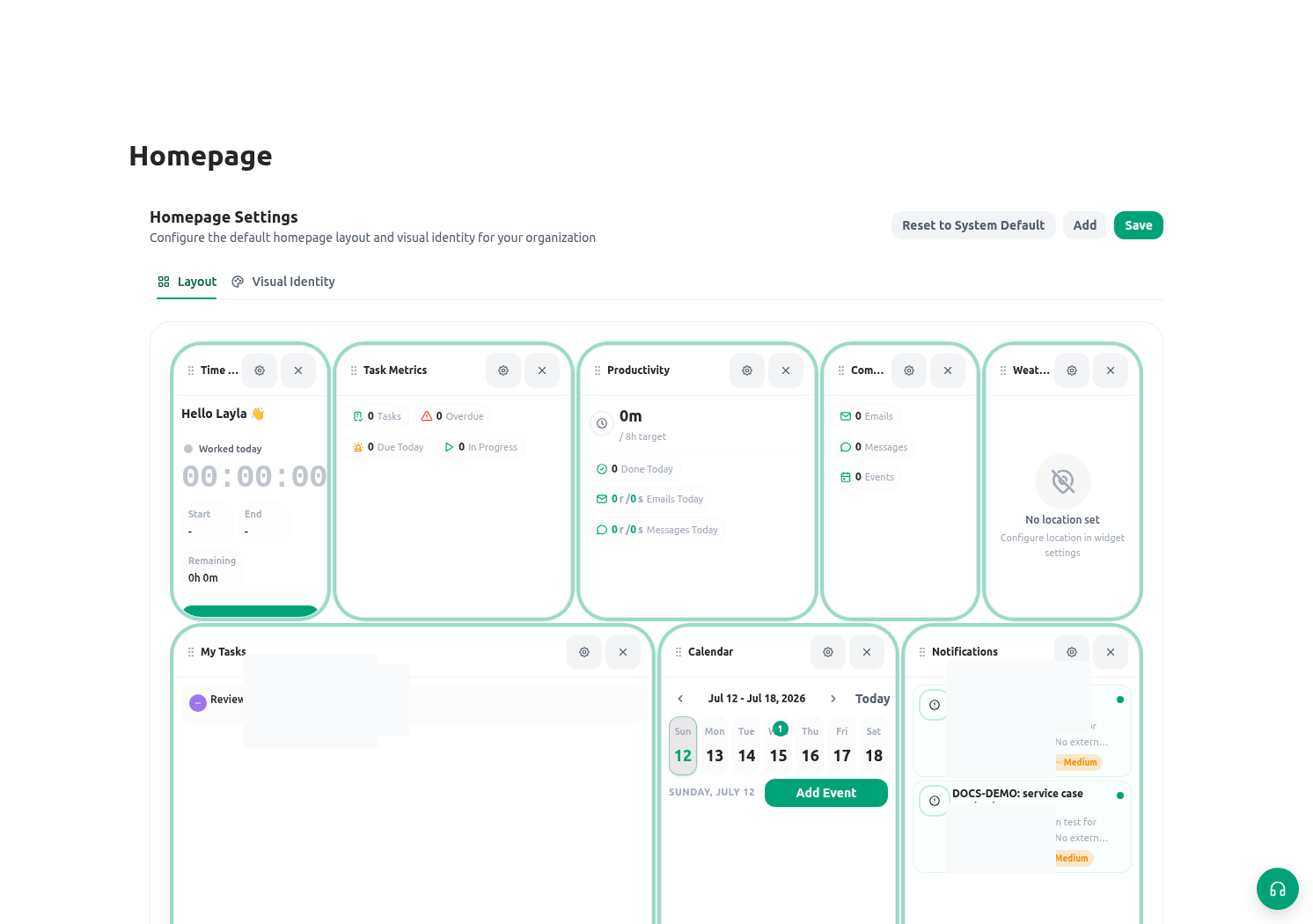
The former organization Homepage layout editor is not the current model. Do not instruct administrators to publish or reset a shared widget grid. Home shortcuts come from each member’s favorites; changing hero imagery does not change those favorites.
Configure organization hero images
Open Administration → Organization settings and find Homepage hero images.- Prepare separate approved light and dark images when both themes are supported. Use ordinary image files within the size limit shown by the control; do not upload a dashboard screenshot, citizen document, staff export, credential, or case photo.
- Select the light and/or dark file and review its local preview.
- Choose the background position and size that keep headings, search, shortcuts, and header controls readable on wide and narrow screens.
- Save once and wait for the success result. Upload and settings persistence are one guarded operation; if it fails, review the message before retrying.
- Use Remove for one theme when that image should no longer be used, or Reset only when the organization has approved returning both hero settings to their defaults.
Manage personal Home shortcuts
Members manage their own shortcuts from Home or the launcher:- Open Apps or launcher search.
- Star an available application, application page, or utility.
- Return to Home and confirm it appears in the shortcuts area. More favorites can be available than fit in the first row.
- Unstar it to remove the personal shortcut.
Validate safely
Use synthetic work and controlled accounts. A visual check does not replace testing the target page’s list/open/update permissions.
Troubleshooting
Related guides
- Use the launcher and favorites in Navigate KayanOS.
- Work from Home in Home and notifications.
- Review organization presentation in Organization settings.
- Diagnose resource access in Roles and scopes.