Review uploaded signature marks
Members with an active credential can save their own drawn mark or upload a PNG/JPEG, at most 2 MiB and 4,000 pixels per side. Upload review is enabled by default. A member who can manage the affected member’s keys may approve or reject the pending image through the review queue, but cannot review their own signature. Rejection requires a reason. Review the image and identity before deciding; pending and rejected marks cannot be used as approved signing images. Only an authorized administrator can change the organization review setting. A saved mark does not grant a signing role or complete a document signature. If a member cannot use a mark, check their active credential, review state, image dimensions, and the workflow’s signing permission. Ask the member to correct their own image rather than uploading or approving it under someone else’s identity. Continue with Profile, language, and signatures for the personal steps.Goal
Enroll and govern member signing credentials safely, understand time-limited enrollment and signature handoff steps, and respond to loss, transfer, or suspected compromise without exposing secrets.What administrators can and cannot do
Use the smallest administrator group that can enroll/revoke. An organization owner or specifically authorized key administrator should approve access; a person who can manage members does not automatically need access to signing enrollment.
Security terms
Enrollment credentials are deliberately short-lived: the current enrollment flow expires after fifteen minutes. Treat an expired enrollment as a normal security result, not as a reason to reuse an old string or weaken identity checks.
Before enrolling a member
- Confirm that the service actually uses a published formal signing workflow. A normal task completion does not need a member key.
- Verify the member’s identity, organization, current assignment, and whether they may sign personally or through an eligible position.
- Confirm the signer rule, the expected decision/form, and the record scope. Enrollment does not grant the ability to sign every request.
- Choose an approved device and secure handoff method. Do not use a shared workstation, a citizen-facing device, or an unverified personal messaging channel.
- Record the approving administrator, purpose, time, and service policy reference. Do not record a private key, PIN, enrollment value, or handoff token.
Controlled enrollment workflow
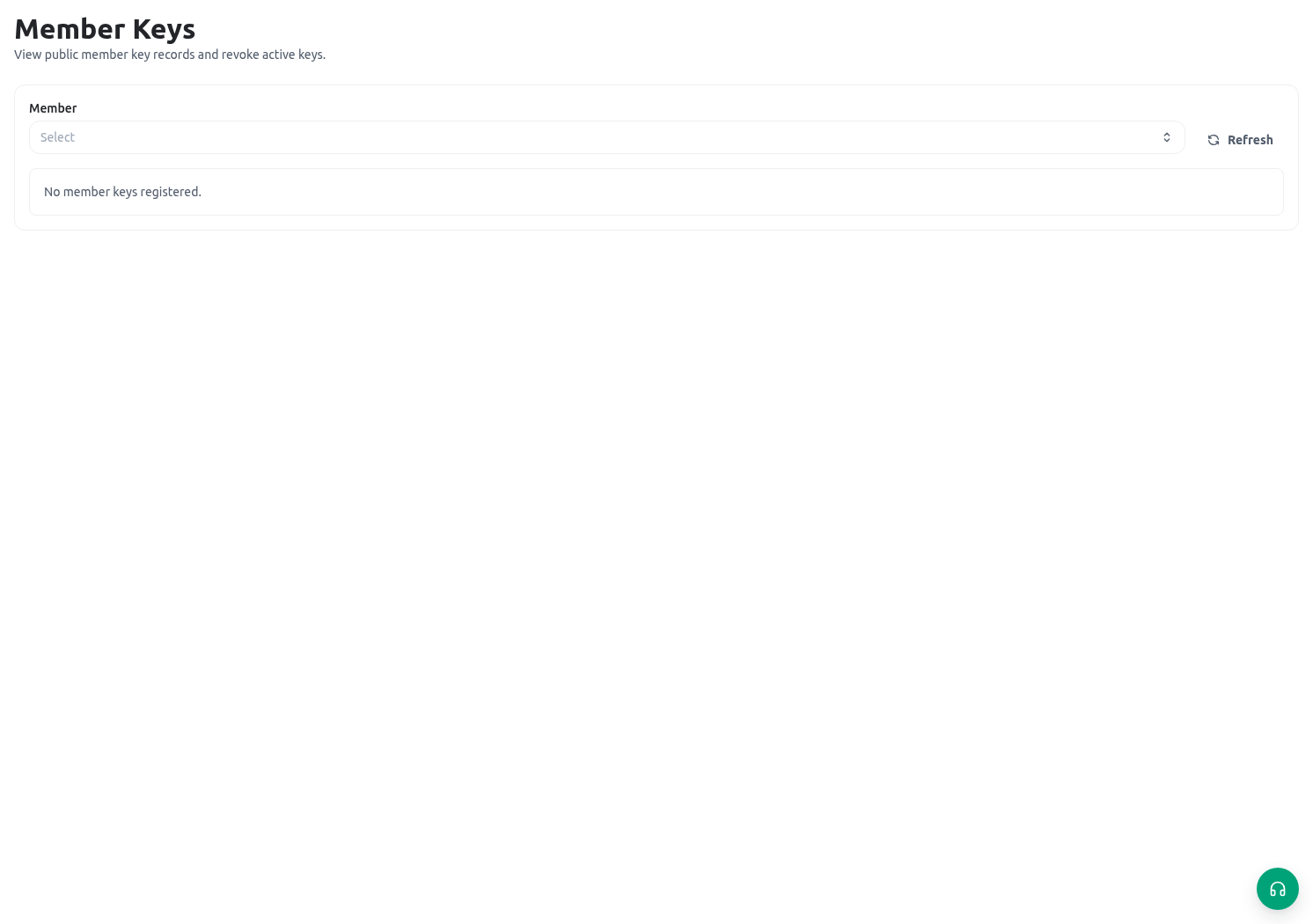
Open Administration → Member keys and signatures and use the enrollment controls only with approved authority.- Select the intended member carefully. Confirm the member name, organization, and current role/position context before creating anything.
- Create the enrollment credential. It is valid for fifteen minutes; plan the secure handoff before generating it.
- Give the member only the approved enrollment path through a secure channel. Do not paste the enrollment value into documentation, a support ticket, a general chat, or a screenshot.
- The member completes the required credential setup on the approved device. The administrator confirms completion by checking the public credential inventory and audit result, not by asking for private material.
- Perform a controlled non-production signing test against a published training workflow. Verify that the correct member/capacity is recognized and that the workflow records a result.
- Close the enrollment record according to your policy and record the evidence of completion without retaining secrets.
Signing capacity and formal decisions
A member can have a personal signing capacity and, when they hold active positions, position-based capacities. A signing request can restrict which capacity tokens are acceptable. Before a service decision:- Open the controlled form/action that requires the signature.
- Confirm the member is the authorized signer for the rule and record scope.
- Confirm the selected personal or position capacity is allowed by the signer rule.
- Review the request, evidence, status, and decision text before starting the signature handoff.
- Complete the short-lived handoff promptly. If it expires after five minutes, restart the authorized handoff; do not improvise a bypass.
- Verify the signed workflow result and record the final service outcome on the request through the approved path.
Revoke, investigate, and offboard
Revoke a credential promptly when a member leaves the organization, changes out of a signing position, loses a device, reports suspected compromise, or no longer meets a signer rule. Use the credential list/revocation action and then:- Confirm the exact credential/member before revoking; do not revoke a similarly named member’s active credential.
- Record the reason and time in the approved incident/change process.
- Review the audit view for relevant enrollment, revocation, and signing events.
- Reassign pending signing work through the published workflow; revocation does not complete, cancel, or alter a pending decision automatically.
- Test that the revoked credential cannot be used for a new controlled signature. Enroll a replacement only after identity and authorization are confirmed.
Safe validation matrix
Troubleshooting
Related guides
- Maintain signing staff and their lifecycle in Manage members.
- Configure formal decision steps in Form actions, logic, and signatures.
- Help a signer manage their own credential view in Profile, language, and signatures.
- Review least-privilege administration in Roles and scopes.