Goal
Create a traceable token for one integration, capture the secret exactly once in an approved secret store, confirm a minimal connection without using real citizen data, and revoke or replace the credential when its owner, purpose, or risk changes.Access, ownership, and administrative boundaries
Every signed-in member can manage their own tokens. The API-token page can also expose organization-wide controls, but only when the member has the relevant assigned verb.
These verbs should be assigned through a reviewed role and appropriate organization scope. Do not turn on organization-wide inventory or revocation merely because a person supports an integration; it reveals operational metadata and can interrupt a service.
What the token page stores and shows
The service generates a versioned token value and stores a cryptographic hash plus a short hint. The full secret is displayed only immediately after creation. Closing that notice does not provide a recovery route; create a replacement and revoke the lost token instead.
Before creating a token
- Define one integration purpose and name its operational owner. A good name is Citizen-service reporting connector — Infrastructure Team — production; avoid vague names such as Integration or a person’s nickname.
- Confirm the target environment, approved public API operations, data classification, and receiving system. A token must not be used to move citizen data into an unapproved system.
- Confirm the token owner has only the normal roles and scopes that the integration actually needs. The creation dialog collects a name and expiry; it does not create a separate broad token-scope model.
- Choose an expiry and renewal owner. The default is one year; a custom date must be in the future. A non-expiring token needs an explicit exception and recurring review.
- Prepare an approved secret manager entry and access group before clicking Create token. Do not plan to copy the secret into a ticket, chat, email, spreadsheet, source repository, template, or screenshot.
- Plan a small non-production verification and a rollback: know which token to revoke if the test sends an unexpected request.
Create and capture a token
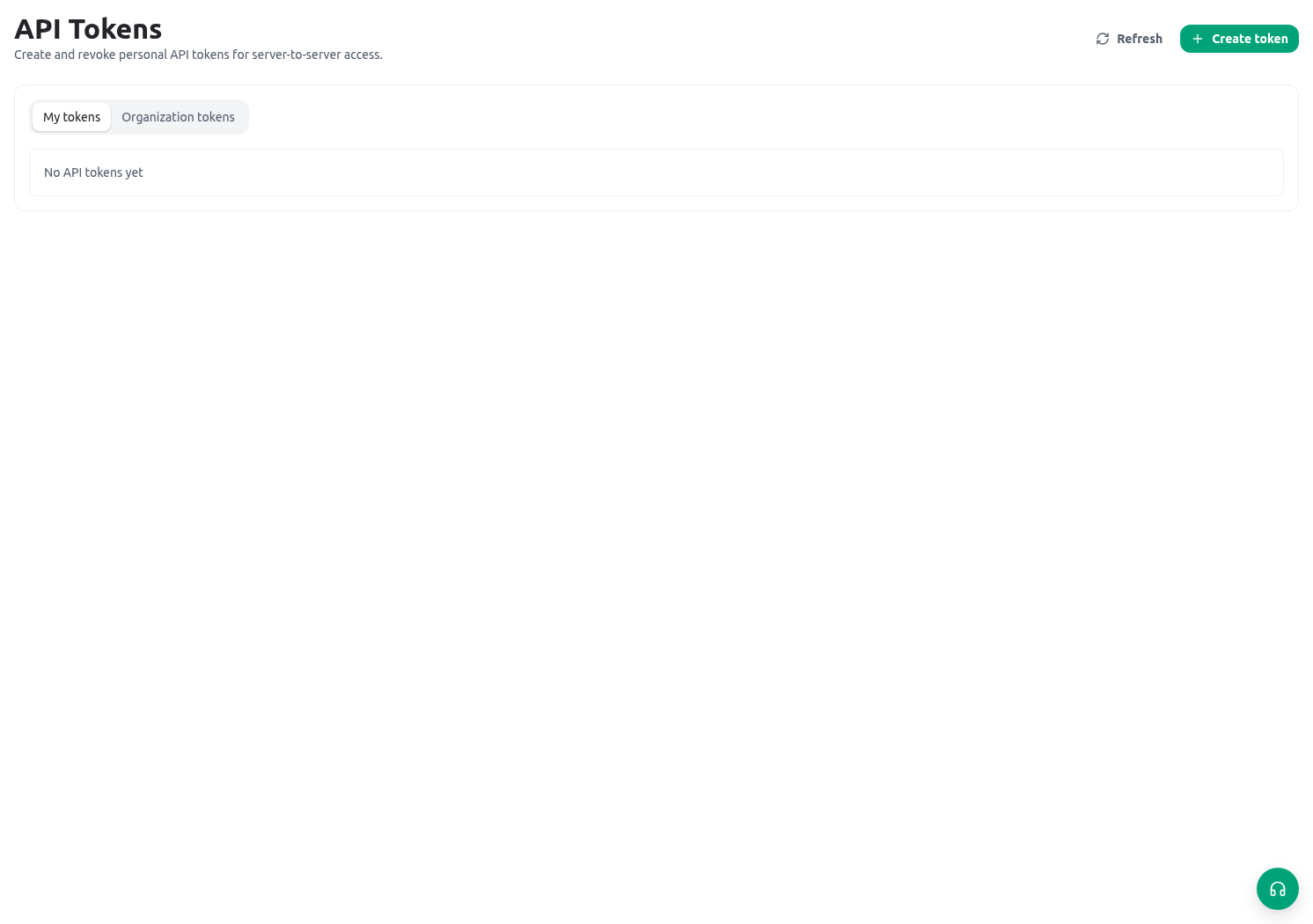
Open Administration → API tokens and public API, stay on My tokens, and select Create token.- Enter the precise token name and choose One year, No expiry, or Custom expiry. For a temporary test, use a short custom expiry where policy allows.
- Create the token. Review the generated secret in the one-time notice while no one else can view your screen.
- Copy it directly into the prepared secret-manager record. Store the owner, purpose, target environment, creation time, expiry, and rotation/review date next to the secret, but never the secret in ordinary documentation.
- Close the notice after confirming the secret manager has accepted it. The token list will show only a hint, never the complete value.
- Run the smallest approved connection check using a synthetic record or a read-only/non-mutating operation documented in the public API reference.
- Refresh My tokens and confirm the expected token remains active. Where a request has reached the service, confirm the last-used value is plausible for the controlled test.
Controlled Directorate example
The Infrastructure Team needs a nightly report of aggregate request volumes for the Directorate. The accountable engineer first confirms the approved public API operation, the report’s data-minimization rules, and the engineer’s underlying access. They create a token named Citizen-service reporting connector — Infrastructure Team — production with an approved expiry and put it in the production secret manager. Before enabling the scheduled connector, they run one allowed request against a synthetic training record or an approved aggregate-only test. They verify the expected response, inspect the token’s last-used information, and confirm no write, public publication, or unintended dataset was involved. The integration owner records the token hint and review date in the change record, not the secret. If the test is not understood, they revoke the token before investigating further.Inventory, rotation, and revocation
Review token inventory on a regular governance cadence and immediately after an owner transfer, suspected exposure, unexplained use, staff departure, or connector retirement.- Use My tokens for personal inventory. Authorized administrators can select Organization tokens only when they have api_tokens.admin_list.
- Compare each name, owner, state, expiry, and last-used value with the integration register. Flag vague names, tokens with no owner, unplanned no-expiry settings, expired values, and unexpected activity.
- Rotate by creating a new named token, storing it securely, updating the integration, and proving a small controlled request with the new credential.
- Revoke the old token only after the replacement is known to work. Revocation stops the token immediately; it is not reversible.
- For a suspected leak, revoke first, preserve the relevant audit/change evidence, determine where the value appeared, and create a replacement only after the exposure path is controlled.
- Remove decommissioned integrations from schedules and secret stores according to policy. A revoked token should not remain an unexplained operational dependency.
Safe validation
Troubleshooting
Related guides
- Use endpoint-specific integration guidance in Public API reference.
- Configure least-privilege inventory/revocation access in Roles and scopes.
- Govern files produced by integrations in Export jobs.
- Review unavailable settings in Permissions and availability.