

How to use this glossary
KayanOS terms describe different layers of the same service journey. In the Citizen Service Request example, a citizen starts a form session; staff create or work with records in an entity; a scoped role determines which verbs the member may use; a serial ID provides a traceable reference; a document template produces an acknowledgement; a dashboard shows aggregate workload; and an automation reacts to an approved event. Use the terms below consistently in configuration, training, procedures, support requests, and bilingual labels. A familiar word such as “request” can have a different technical meaning from “form,” “session,” or “record”; choose the precise term when explaining a problem or permission.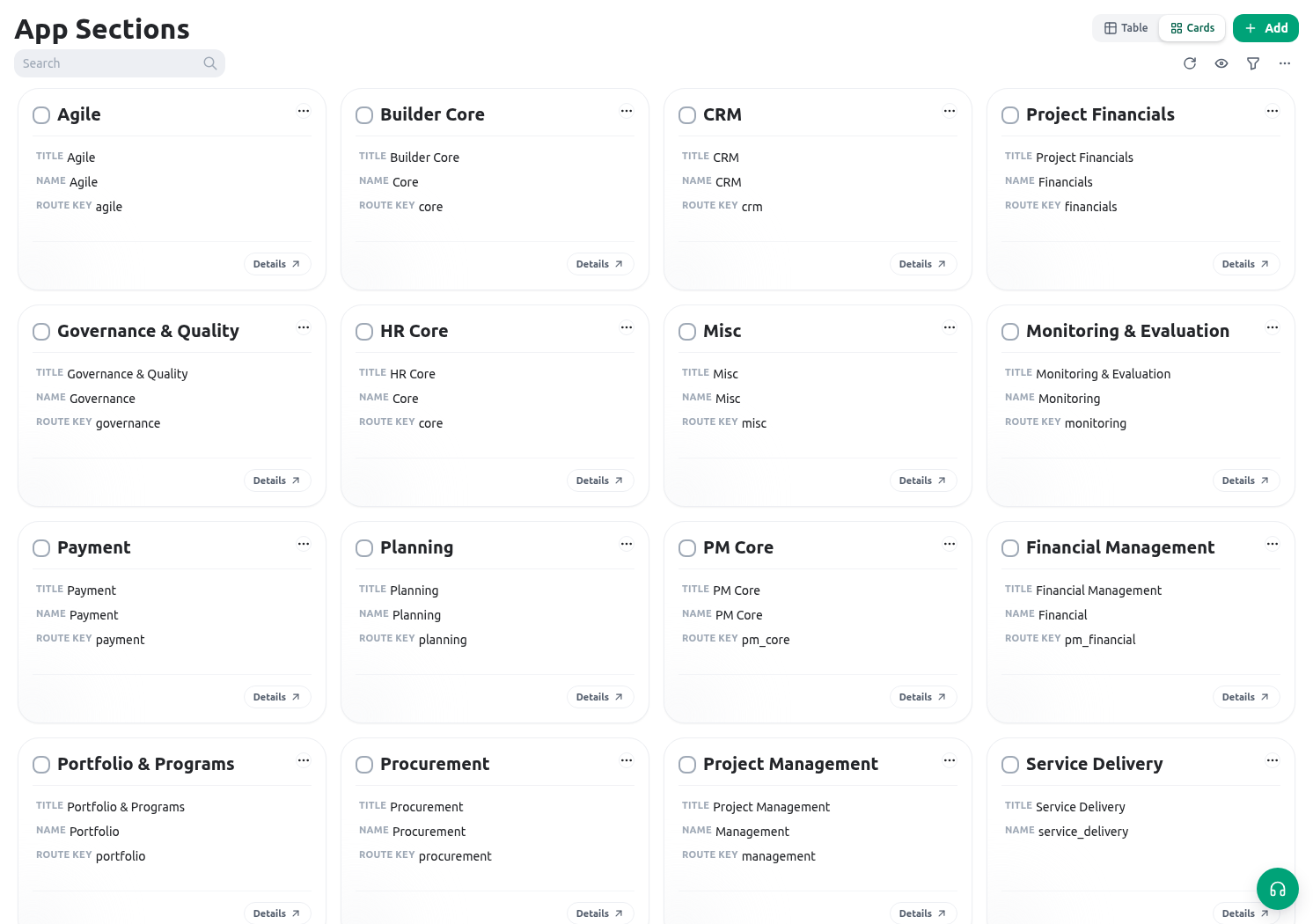
Organization and access
| Term | Practical meaning |
|---|---|
| Organization | The KayanOS tenant/workspace that owns its members, records, configuration, languages, and access boundaries. |
| Member | An authenticated internal user associated with an organization. A member can have roles and scopes. |
| Public participant | A person using an eligible public form/session. They are not automatically an organization member. |
| Role | A named collection of allowed resource actions, assigned to members under an approved scope. |
| Permission | The decision that an actor may perform a specific operation under the current organization, resource, scope, and state rules. |
| Resource | The controlled thing a permission applies to, such as an entity, form, dashboard, token administration surface, or another released feature. |
| Verb | The specific action on a resource, for example list, open, create, update, delete, initiate, or administer. Verbs are resource-specific. |
| Scope | An access boundary attached to roles and records, such as a Service Centre, locality, organizational unit, or form scope. |
| Hierarchy | The configured parent/child structure used when a scope assignment applies exactly, to ancestors, or to descendants. |
| Owner | The accountable person or organizational role responsible for a record, configuration, token, connection, or change decision. Ownership is not automatically every permission. |
| Availability | Whether a capability can be used in this context after organization, release, role/verb, scope, configuration, state, and runtime checks. |
| Least privilege | Giving an actor only the smallest set of verbs, scopes, and data access needed for the approved outcome. |
Builder, entities, and records
| Term | Practical meaning |
|---|---|
| App | A KayanOS application grouping that helps people navigate related entities and service work. |
| Entity | A configurable type of record, such as Citizen Service Request, Inspection, Service Centre, or Decision. |
| Entity key | The stable technical key used by configuration, expressions, API requests, and integrations. It is not necessarily the translated display title. |
| Record | One stored instance of an entity. A Citizen Service Request record is one service case, not the whole entity definition. |
| Field | A configured attribute of a record or form item, such as text, select, date, relation, file, serial ID, or calculated value. |
| Field key | The stable stored identifier for a field. Labels can be translated; keys should be treated as configuration/API contracts. |
| Relation | A field/configuration that links records. Its direction and cardinality determine how records are associated. |
| Inverse relation | A configured related-record view reached from the opposite direction of a relation. It is not proof that all possible related data is available. |
| Layout | The way fields, sections, tabs, and related information are arranged for users. Layout visibility is not an access-control rule. |
| Status | A controlled record state used to represent progress, such as Received, Inspection scheduled, Decision review, or Closed. |
| Status template | A reusable graph/definition of permitted statuses, categories, transitions, and actions. It governs a lifecycle rather than a free-text label. |
| Serial ID | A generated traceable identifier configured with sequence, namespace, format, and timing rules; for example CSR-2026-00042. |
| Calculated field | A field whose value is derived from configured data/expression logic. It should be deterministic, explainable, and tested with its source values. |
| Expression | A small KayanOS expression used in a supported context to derive a value, condition, format, or controlled behavior. It is not a substitute for server authorization. |
| Builder proposal | A reviewable assisted-building suggestion for application/entity/field structure. It changes nothing until it is explicitly saved. |
Forms, sessions, and documents
| Term | Practical meaning |
|---|---|
| Form | A reusable service interaction design with fields, sections, actions, signatures, versioning, and an audience/access model. |
| Form version | A saved form structure used to interpret a session. Publishing a version makes it eligible for the relevant released journey. |
| Form session | One participant’s working instance of a form, including saved state, initiator, version, status, scopes, and actions. |
| Draft | A session that is still being completed. It is not necessarily ready for internal workflow or public communication. |
| Submitted | A session state showing the form’s submission step has completed. It still requires any separate authorized review/decision. |
| Reference number | A human-facing session/form identifier when configured. Use it for operational communication rather than exposing internal IDs unnecessarily. |
| Repeater | A repeatable field or section that holds multiple instances, such as inspection observations or supporting documents. |
| Repeatable instance | One row/item inside a repeater. It has local values and validation; its position is not a durable business ID. |
| Form action | A configured operation a participant can invoke when its rules, state, and permissions allow it. |
| Signature | A configured form step that records a signing interaction. A signature control alone does not define final authorization. |
| Offline form | A constrained form type designed to store field work/files locally and synchronize later. It intentionally excludes several online-only capabilities. |
| Public portal | The controlled public discovery/intake experience for eligible published regular forms. It is not an internal record browser. |
| Document template | A managed DOCX-based template that renders an approved output from record context, configured expressions/tags, and an execution mode. |
| Render | The process of producing a document output from a template and its target data. Test the rendered result, not only template source. |
| Filename expression | A reviewed expression that determines a generated document’s readable filename. It must not disclose unnecessary sensitive data. |
Work, operations, and reporting
| Term | Practical meaning |
|---|---|
| Task | An owned follow-up work item with its own status, assignee, and operational context. It is not the same as a form session or entity record. |
| Project | A structured initiative that can organize plans, governance, resources, metrics, and related operational work. |
| Dashboard | A versioned operational view made of sections, widgets, sources, and filters. Opening it does not grant underlying record access. |
| Widget | One dashboard visual or content block, such as KPI, table, chart, map, calendar, status, progress, text, or analysis. |
| Data source | The approved data behind a dashboard widget, such as entity-backed records or a documented manual value. |
| Filter | A fixed or viewer-selected condition that narrows a data view. It cannot expand a viewer’s permission boundary. |
| KPI | A key performance indicator: a named measure that must state its unit, numerator/denominator when relevant, time basis, and owner. |
| Export job | An asynchronous request to produce a controlled data export. It has a status, access boundary, result/retention lifecycle, and possible failure state. |
| Audit trail | Recorded evidence of relevant creation, change, action, signature, run, or configuration events used for review and troubleshooting. |
Automations and integrations
| Term | Practical meaning |
|---|---|
| KayanOS Automation | A released configuration that reacts to an event and performs approved KayanOS outcomes through a selected organization-scoped KayanOS connection. |
| Connection | The organization-scoped authorization boundary selected for an automation. It is required for released KayanOS Automation catalog steps, even when the outcome does not require an external account. |
| Trigger | The approved event that starts an automation, optionally narrowed by configured filters. |
| Automation action | A configured outcome step in an automation. It can create/change KayanOS-side work or return a controlled response, subject to runtime rules. |
| Run | One recorded execution attempt of an automation. Keep its run ID when diagnosing a result. |
| Wait | An automation step that pauses/resumes according to its configured matching or timing condition. It is not a guaranteed delivery/approval. |
| Idempotency | Designing/reviewing an operation so a retry does not create an unintended duplicate outcome. |
| Public API | The versioned server-to-server KayanOS interface for permission-authorized entities, scoped token owners, visible fields, and controlled record operations. |
| API token | A one-time-secret credential owned by a member and used with the public API. It must be stored securely, rotated/revoked, and never copied into documentation. |
| ETag | A record-version header returned by the public API. Send it in If-Match for a safe concurrent update/delete. |
If-Match | The public API request header that proves the caller is updating/deleting the version it previously read. |
| Request ID | A correlation identifier, such as x-request-id, used to investigate a particular API request without sharing a credential. |
| Rate limit | A bound on requests in a time window. Clients must inspect rate-limit headers and honor retry-after rather than retrying aggressively. |
Quick distinctions that prevent mistakes
| Do not confuse | With | Practical difference |
|---|---|---|
| Form | Form session | A form is the reusable design; a session is one participant’s instance. |
| Entity | Record | An entity is a type/schema; a record is one saved item of that type. |
| Field label | Field key | The label is user-facing/translatable; the key is used by configuration and integrations. |
| Visibility | Permission | Visibility changes what is shown; permission determines what the server permits. |
| Public portal | Public API | The portal is human public intake; the API is token-authenticated server integration. |
| Serial ID | Record ID | A serial is a configured traceable reference; the record ID is the technical identity. |
| Calculated field | Approval rule | A calculation derives data; it must not be the sole authorization decision. |
| Dashboard filter | Data access | A filter narrows results; it does not grant source-record access. |
| Automation run | Successful business outcome | A run is evidence of execution; verify its target result and any side effect. |
| Connection | External credential only | A KayanOS automation connection is an authorization boundary even for internal KayanOS outcomes. |