

Outcome
Use the live catalog as an inventory, then design only from capabilities available to the current organization.Practical example
The verified KayanOS capabilities cover records, form sessions, task actions, internal messages, notifications, roles, and short links.Who can use it
Owner or builder with KayanOS Automations accessPractical steps
- Open the context in which the expression or rule will be evaluated.
- Use search or a filter to find the relevant representative record, then review its owner and status.
- Record the decision or next step; do not expand access or publish without review.
Safe reference use
- Test small, clear values in the current field context.
- Treat an empty or invalid value as an expected case.
- Never put an access token or sensitive data in an expression or template.
Capability map
The example organization live catalog was captured at release 0.0.59: 12 in-scope triggers and 34 in-scope actions.- Records: create, update, delete, get, find, and wait for change or creation.
- Forms and entities: sessions, values, actions, responses, and signatures.
- Work: create, update, wait for, and execute task and grouped-work actions.
- Governance: scoped role assignment and internal notification.
- Outputs: document templates, PDF conversion, short links, and dashboard responses.
Guardrails
Verify permission and scope before saving. Use an approved non-production record while testing, and stop publication or delivery when the result is not understood and reviewable.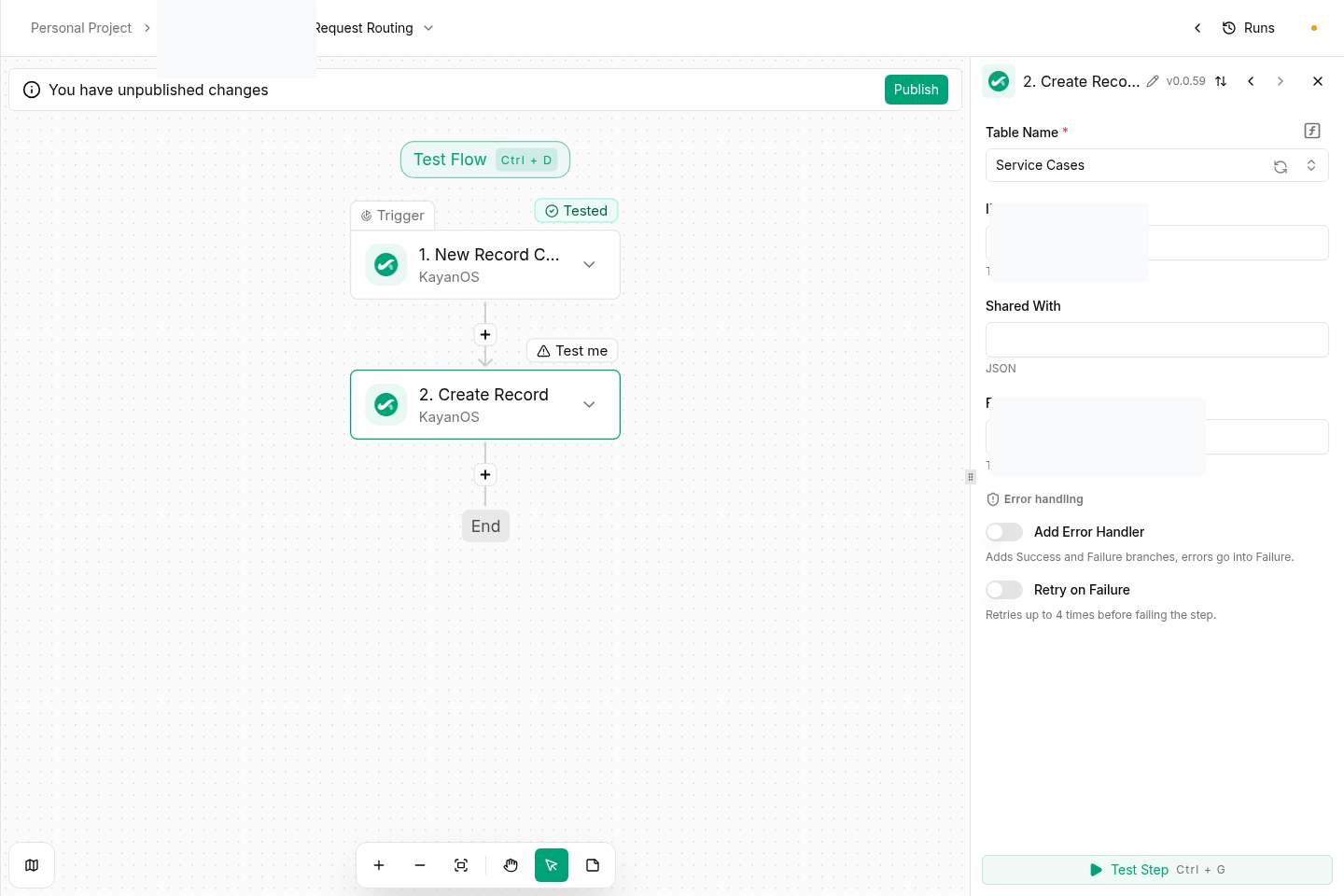
Next step
- Continue to Troubleshooting.
- Review permissions and availability before expanding access.