

Start with the record context
When KayanOS renders a managed document template for an entity record, it supplies: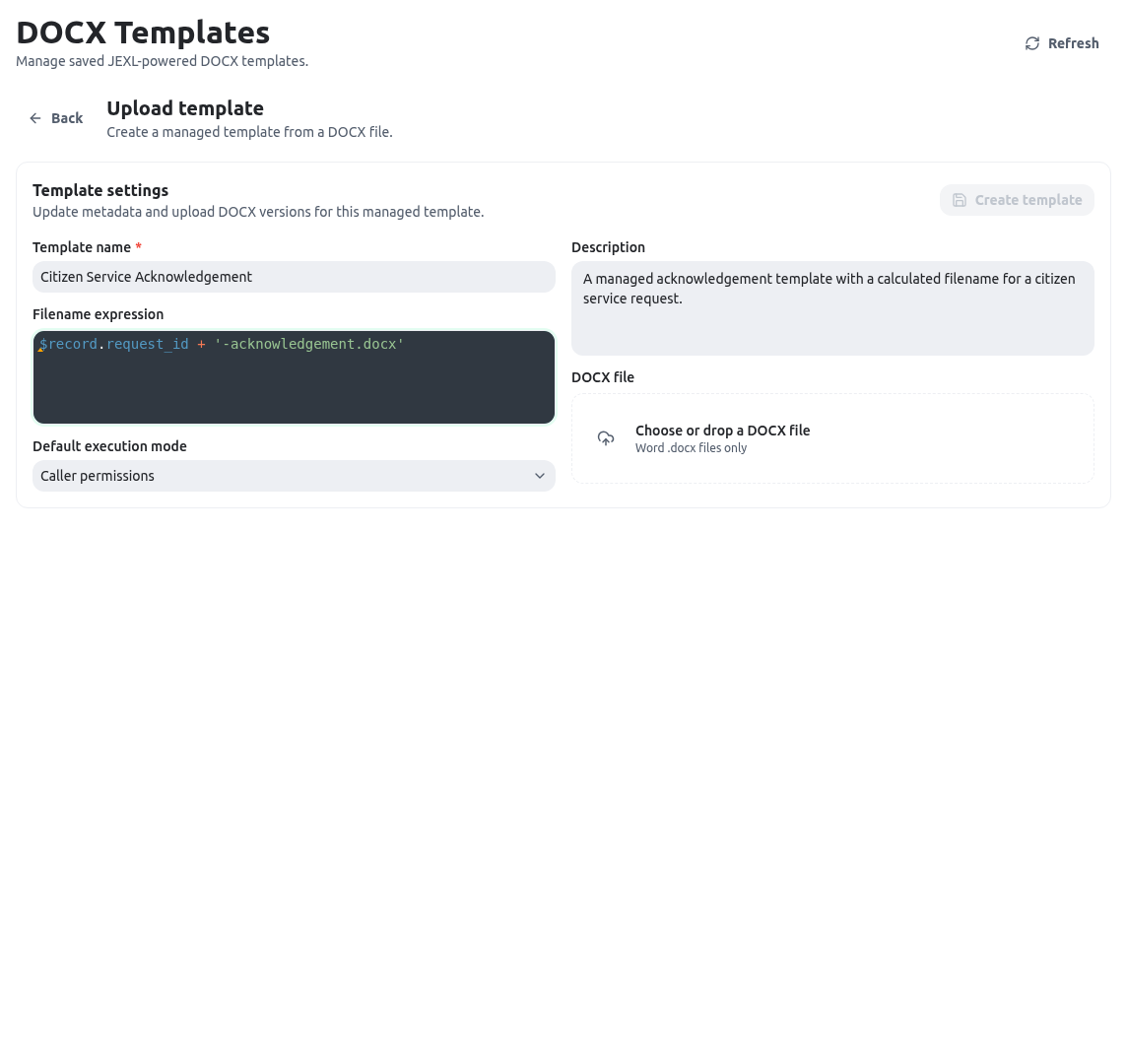
$record, not the entity-rule $ root. An interpolation that resolves to null or undefined becomes blank, so add a reviewed fallback in public or official documents.
Stable time and formatting
Use$now when every part of a document must show the same captured timestamp. now() is also available as a function, but it is evaluated by the renderer and can differ slightly between expressions.
Controlled record lookups
The template-onlygetRecords function accepts one object argument:
entityKey, optional q, filters, limit, sorting, and search. A sorting value is an array of objects, each with field and direction: "asc" | "desc"; it is not an object keyed by field name. Each call clamps limit to a value between 1 and 500. Keep a lookup narrow, select only the data needed for the document, and make an empty result understandable.
Caller and admin execution modes
In caller mode, the lookup is evaluated as the calling member. In admin mode, it uses an administrative execution identity. This is a material data-governance decision, not a formatting preference. An administrative lookup is restricted only when its allowed-entity list is non-empty. An omitted or empty list is not deny-all: it permits lookup against every entity in the organization that the administrative execution identity can read. Do not select admin mode until the service owner has reviewed that broader boundary. When admin mode is necessary, add a short, approved non-empty list of entity keys and treat any later change to it as an access change. Before publishing a template that usesgetRecords:
- Choose caller mode unless the service owner has approved a narrower administrative need.
- In admin mode, configure a non-empty allowed-entity list as tightly as possible; do not leave it blank expecting a restriction.
- Test with a member who should see the least amount of data, then test an entity outside the non-empty list and confirm that lookup is refused.
- Check the rendered document for unintended personal, financial, or operational data.
- Keep an empty lookup from producing a misleading statement.
Related data and loops
Configured inverse relations are suitable for a small related-record section. A document-template loop belongs in the document tag syntax, while its expression supplies the collection. The renderer currently exposes$relations as an empty reserved object, so do not use it as a direct-relation data contract. Put a directly needed value on the record where appropriate, use a configured inverse relation, or use a reviewed getRecords lookup.