When to use these helpers
Use a conversion only after you understand the source value. A conversion can make an expression readable, but it cannot repair missing or incorrectly structured source data.Calling style
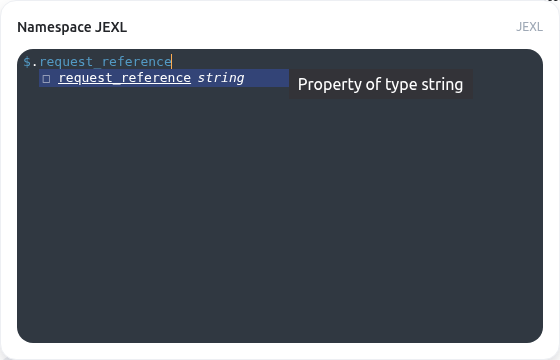
Call a helper asisEmpty($.optional_note). Not every helper is available everywhere: validation, form, and document-template helpers have distinct context contracts. Editor suggestions are not proof that a helper is supported at runtime.
Complete function reference
contains
Checks if a string or array contains a specified substring
Signature: contains(strOrArr, substring)
Example:
value | contains(...).
indexOf
Finds the index of the first occurrence of a substring in a string
Signature: indexOf(str, substring)
Example:
value | indexOf(...).
isEmpty
Checks a falsy value, an empty array, or a trimmed empty text value. Do not pass a non-text object; use an explicit null/property check instead.
Signature: isEmpty(value)
Example:
value | isEmpty(...).
isNotEmpty
Negates the active common isEmpty behavior. Use explicit null/array/text tests for a non-text object.
Signature: isNotEmpty(value)
Example:
value | isNotEmpty(...).
lastIndexOf
Finds the index of the last occurrence of a substring in a string
Signature: lastIndexOf(str, substring)
Example:
value | lastIndexOf(...).
length
Returns the length of a string or array
Signature: length(strOrArr)
Example:
value | length(...).
reverse
Reverses a string or array
Signature: reverse(val)
Example:
value | reverse(...).
toBoolean
Converts a string to a boolean. Accepts ‘true’ (case-insensitive) as true.
Signature: toBoolean(val)
Example:
value | toBoolean(...).
toInt
Parses a value to an integer using optional radix
Signature: toInt(value, radix?)
Example:
value | toInt(...).
toNumber
Converts a string to a number (or returns NaN if not possible)
Signature: toNumber(val)
Example:
value | toNumber(...).
toStr
Converts any value to its string representation
Signature: toStr(value)
Example:
value | toStr(...).
Before you publish
- Start with a known value and confirm the expected result.
- Handle null, empty text, and empty lists deliberately.
- Do not place secrets, access tokens, or sensitive personal data in an expression.
- Read expression contexts and availability before copying an expression between features.