CSR-2026-00042 are stored in the designated service space. The request record contains the service facts and links to the required evidence; Library retains the files in a location that the correct team can govern.
Respect the owning record’s access and lock
Files in a record’s collection follow that record’s current scope and require access to open the owning record. A saved file link or an old scope stamp does not preserve access after the record’s scope changes. Library permissions and the collection’s placement permissions still apply. When the owning record is locked, member uploads and edits to its collection are refused, including document coediting, smart-document writes, moving items to the bin, restoring into the collection, and permanent deletion. Read the record’s lock message and use its permitted workflow transition or contact the owner. Moving evidence or a containing folder is not a way to bypass its access boundary; spaces containing record collections also restrict bin, restore, and purge operations. Reopen the record and its collection after an authorized scope or status change before retrying.Review file details and comments
Open a file’s details drawer to review its information and available controls. Uploaded files support comments and mentions. Reading comments and adding them require the corresponding file-comment permissions in the file’s scope; a mention does not grant access to its recipient. Check the selected file before posting and use the permitted edit or delete action to correct a comment. The Observer role on file spaces, folders, and files is list-only. Seeing an item does not grant opening, downloading, commenting, or changing access. Changing sharing requires share permission on the actual record; being able to update a record is not sufficient. If a file is visible but cannot be opened, ask its owner to review the intended role instead of making the space public. Library uploads go directly to storage, including files of 64 MiB and above that previously failed through the server. The per-file limit is 5,000,000,000 bytes. Wait for upload completion and verify the file opens before deleting your local copy. If an upload fails, check connectivity and applicable limits before retrying.Work with smart document pages
Open a smart document from Library to edit collaboratively. Use the page tree to open subpages, create a subpage with the slash menu, and drag pages to reorder or nest them where you have permission. Subpages belong to their parent page rather than appearing as separate root files. Breadcrumbs help you return to the parent. Type [[ to find and link an accessible page. The slash menu also offers a table of contents. Add an icon, cover, or full-width layout when it helps readers. Backlinks show accessible pages that link here. Rich editors can also mention records and preview supported pasted record links; a mention or link never grants access to its target. Opening a document and editing it are separate permissions. A read-only collaborator can read permitted content but cannot change it; creating a subpage also checks create access at the file destination. If a link or child is missing, check access and whether the page was moved or recycled. Do not recreate a restricted page in a wider space. After editing, reopen the page and check its content and links before sharing its existing authorized link.Goal
Choose the right Library space, create a clear evidence path, use only the file actions your scope allows, and understand the difference between moving a file to the recycle bin and permanently deleting it.Choose the right space before upload
Library supports personal and shared spaces. A personal space is appropriate for a member’s working material that does not need a team-maintained location. A shared space is appropriate for material the approved team must locate, review, and manage together.
Do not use a personal space to hide evidence that the service team must retain or review. Do not place unrelated citizens’ records in a broad shared folder simply because it is convenient. Follow the organization’s retention, classification, and file-naming rules in addition to the KayanOS access model.
Build a controlled evidence path
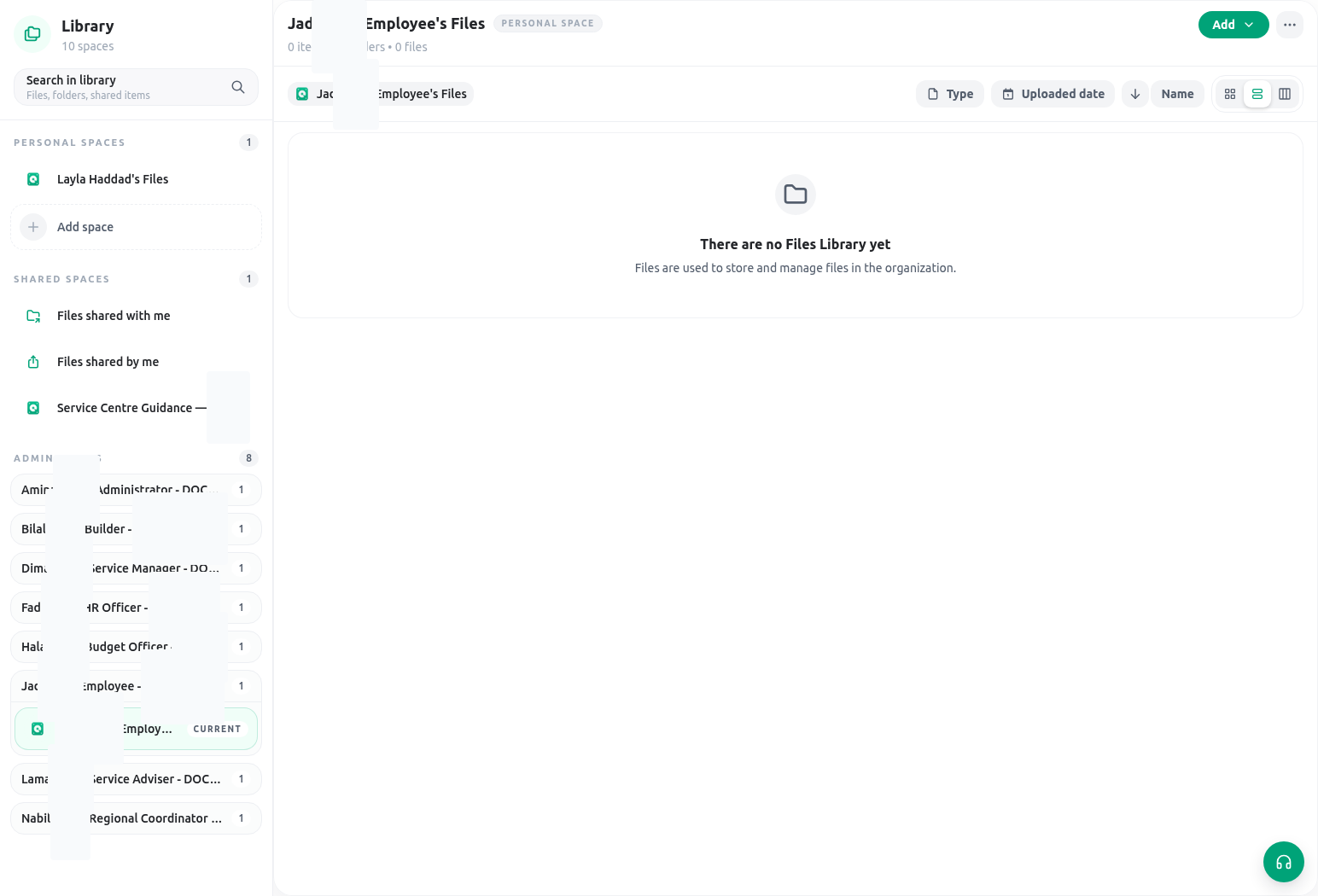
For the Citizen Services Directorate scenario, use a predictable structure that matches the service model:- Open Library and select the approved shared service space.
- Create a folder only when the organization’s structure calls for it. Use a meaningful name, such as Citizen Service Requests / 2026 / CSR-2026-00042.
- Upload the approved evidence or move it from an authorized location. Confirm the file name, type, content, and relationship to the request before completing the upload.
- Open or preview the uploaded file to confirm it is the intended version and readable.
- Link or reference the evidence from the request or inspection record through the approved field/workflow. The record should tell reviewers why the file matters; the file name alone is not a service decision.
- Assign or verify the appropriate shared-space access. Do not use a copied link as a way to bypass a scope that should limit viewing.
- When a file is superseded, follow the retention policy and use a clear replacement/move process. Do not assume that every file has version-history, public-link, or universal online-editing behavior.
File and folder actions
Depending on the selected item and your permissions, Library can provide actions such as open, preview, download, copy link, share, rename, move, replace, send to recycle bin, restore, or permanently delete. The presence of an item in a folder does not guarantee every action is available. Use these boundaries:- Open/preview/download to inspect a file you are allowed to access. Check that the file is the right version before relying on it in a decision.
- Rename/move/replace to maintain the approved organization. Preserve a meaningful relationship to the request and do not move evidence into a broader space merely to make it easier to find.
- Share/copy link only when the recipient already has a legitimate need and the organization’s sharing rule permits the action. A link should not substitute for a scoped access decision.
- Edit only when the file type and your
files:updatescope support editing. Do not promise that every file can be edited in place. - Recycle when the item may need to be restored or is awaiting the organization’s retention decision.
- Permanently delete/purge only when deletion is authorized and irreversible removal is intended. Treat this as a distinct, higher-risk action.
Recycle bin versus permanent deletion
Sending an item to the recycle bin is a non-destructive step: it removes the item from the active location but allows a permitted recovery workflow. Restoring returns the item to active use according to the product’s available restore behavior. Purging or permanently deleting is destructive and should be used only after the organization confirms that retention, legal hold, service audit, and access implications are satisfied. Before permanent deletion, ask:- Is the file evidence for an open request, inspection, decision, or complaint?
- Does the organization require a retention period, review, or legal hold?
- Is there an approved replacement linked from the record?
- Does the person performing the action have the scoped permanent-delete authority?
- Would moving to the recycle bin meet the immediate need more safely?
Availability and permissions
Library operations are scope-aware. A member may be able to see a shared space but not upload to it, open a file but not share it, move a file but not permanently delete it, or edit a supported document only whenfiles:update applies in the relevant scope. Check the requested action at the file/folder and service-record levels rather than granting broad access because a team needs one document.
A new upload is authorized against its destination: files:create must intersect the selected folder’s scope, or the selected space’s scope when uploading at its root. The pending upload can be completed only by the member who created it. Existing-file actions use the file’s own scope instead: opening/previewing requires the applicable files:open access, while replacement or editing requires files:update. Seeing a folder or opening another file there is therefore not proof that a member may upload to that destination.
If a file action is missing, verify:
- the current organization and selected personal/shared space;
- access to the file/folder itself and its parent location;
files:createon the upload destination, or the required file verb for open, update, share, recycle, restore, or permanent delete;- the member’s assigned scope; and
- whether the file type supports the intended action.
Safe testing
Use synthetic material that contains no citizen data. In an approved non-production space, create a folder, upload a harmless file, preview it, rename or move it within the allowed space, and confirm that a member withoutfiles:create on that exact destination cannot upload there or complete another member’s pending upload. Also confirm that a non-authorized member cannot open the finished file. Send the file to the recycle bin and restore it. Do not test permanent deletion unless the organization explicitly authorizes the test and the item is disposable.
Troubleshooting
Related guides
- Communicate a reviewed outcome through Email.
- Keep accountable follow-up in Tasks and approvals.
- Model file fields and record layouts in Entity fields and layouts.
- Review scope boundaries in Roles and access and Permissions and availability.