CSR-2026-00042. The event identifies the internal attendees, place, timezone, agenda, and next steps. The Field Inspector later records the actual visit on the Inspection record.
Keep the time when changing the date
Changing an event’s date preserves its start time. For an overnight event, check the end date as well as the end time; the display identifies the next-day end. Save and reopen the event to confirm both endpoints before notifying participants. Normal event update permissions still apply.Goal
Create and review events that help a team arrive prepared, understand the available scheduling controls, and avoid promising delivery or editing behavior that KayanOS does not provide on every device.Desktop and mobile behavior
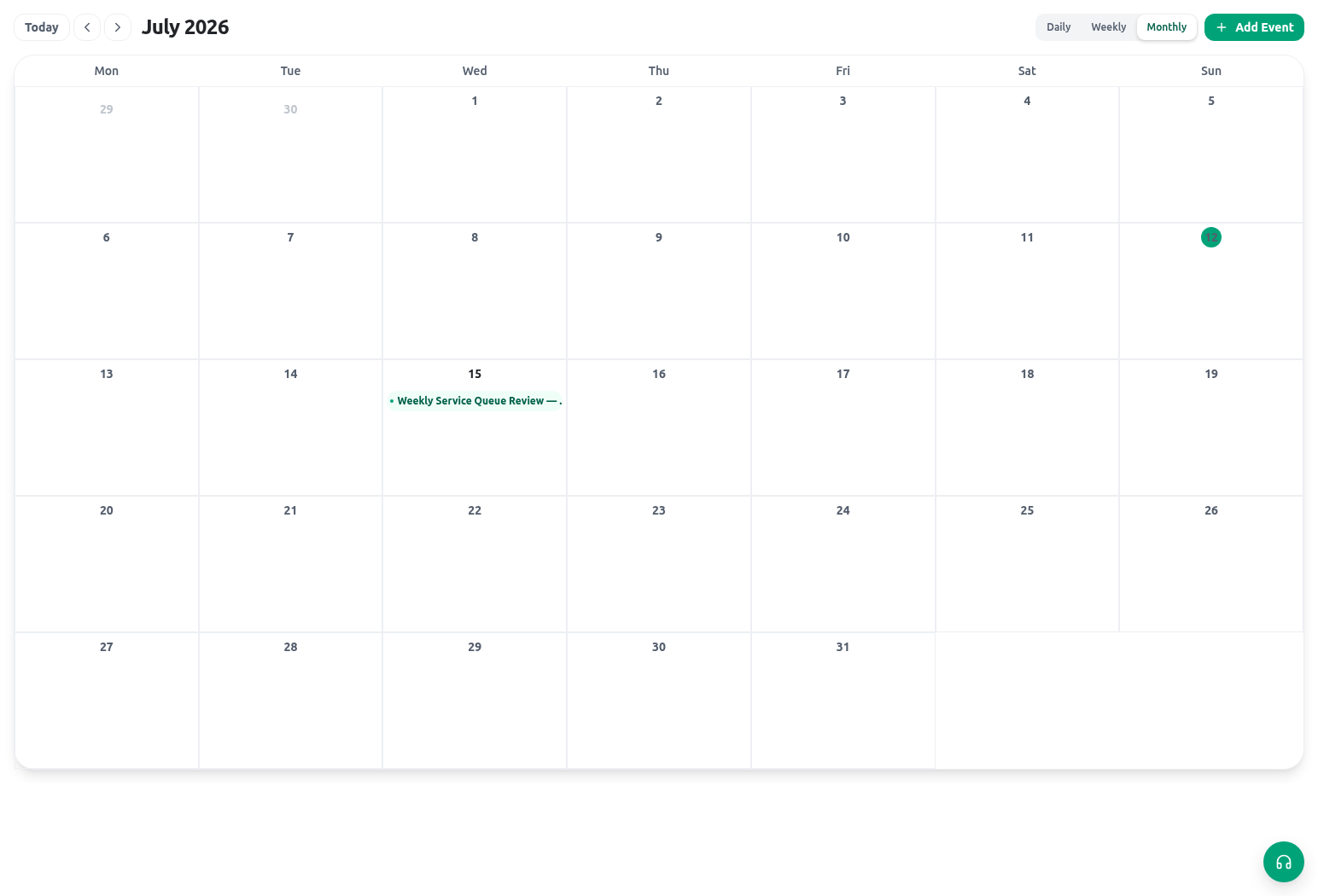
Desktop offers Day, Week, Month, and Agenda views. Phones offer Day, Month, and Agenda, with event details and quick creation in a bottom sheet. Open an event to inspect its details or use the full editor. In the desktop time grid, drag to create or move an event and resize its end time. Available actions still depend on event permissions. Use the event preview to edit, duplicate, or delete where allowed. Check the duplicate title and dates before saving. Deleting a recurring event asks which occurrences to affect; review that choice. Some changes offer Undo in the result message. If an action fails, reopen the event and verify its stored times before retrying.What an event can hold
Attendees are selected from organization members. Listing a member as an attendee does not, by itself, guarantee an external email invitation or external calendar synchronization. If an external communication is required, use the organization’s approved process and record the result where the service policy requires it.
Schedule a field inspection
- On a desktop-sized device, open Calendar.
- Create a new event and write a specific title containing the service reference: Field inspection — CSR-2026-00042.
- Add the approved start/end time and timezone. Confirm the organization default timezone rather than assuming the browser device’s time is correct.
- Add internal attendees who need to participate or prepare. Do not add people merely for visibility when a notification or task is more appropriate.
- Select a meeting room/location when configured, or record the approved field location in the appropriate location field.
- Add the agenda, expected evidence, and next steps. Keep the event description short; the inspection record holds the durable findings.
- Run the attendee and location conflict checks. Resolve a real conflict before saving or record the approved exception according to local policy.
- Save the event and open the related request/task to make the relationship clear to staff.
- To revise a desktop event, select it in the calendar. KayanOS opens the full editor directly. Delete appears inside that editor only when the event and your scoped
deletepermission allow it, and deletion still requires confirmation. - After the visit, update the inspection/request record with findings and evidence. Add minutes or follow-up only when the event is the correct place for those notes.
Recurring events
Use recurrence for a repeated internal activity with a stable purpose, such as a weekly service-queue review. Test one recurrence before relying on it in a broad operational schedule. The client expands recurrent events over a bounded upcoming display horizon rather than promising an unlimited list of future instances. Do not document individual-occurrence editing, indefinite future generation, or external invitation behavior unless your organization has tested that exact released behavior. For a recurring review, record the actual decisions on the relevant tasks and records rather than relying on the repeated event alone.Availability and permissions
Event data is subject to the same resource/verb/scope model as other operational records. The Calendar may show an event that a member can open, while delete availability is calculated from the member’sevents delete permission and the event’s scopes. Creation and updates are also controlled entity operations; visible time slots are not an unrestricted grant to edit any event.
Before asking for more access, verify:
- the member is in the correct organization;
- the event is in a scope the member can open;
- the relevant create, update, or delete action is assigned for that scope;
- the member/room selector has the records needed for the event; and
- the task or request owner agrees that the member should schedule this activity.
Safe testing
Create a controlled event forCSR-2026-00042 with two internal test members and a configured room/location if available. Test a deliberate overlap for an attendee or room and record the conflict result. Then test a member who can open the event but should not delete it. Review the same event on a small-screen device so staff know the Day, Month, and Agenda controls.
Troubleshooting
Related guides
- Manage the inspection’s accountable work in Tasks and approvals.
- Record the visit outcome in Explore an example workspace.
- See scheduled work on Home and notifications.
- Review event access through Roles and access and Permissions and availability.