

Use the configured budget page and timeline
Eligible Budgets without an existing overview-block configuration receive the configured record page; existing overview-block settings are retained. Review only the blocks and tabs available for this budget and your role. The supplied timeline uses start/end dates, groups by the funded context, colors by status, and shows the preparer and planned/actual totals. It does not use variance as a progress percentage. Reschedule only when date editing is permitted and the view enables it. Missing controls should be checked against Entity fields and layouts, not repaired by broadening financial access.When to use it
Use a budget to record the approved planning context for a program, project, plan, or other configured owner/context. Use a budget line when the directorate needs to explain the purpose and planned amount of a component. Use an allocation only after the budget and intended line are accurate. Do not use a budget record as a purchase order, payment request, accounting journal, procurement authorization, or cash forecast unless your organization has separately verified an integration or process for that purpose.Configuration
The standard source metadata includes statuses such as draft, submitted, approved, active, reforecast, closed, and cancelled. Your deployed workspace may expose a configured subset or different labels. Follow the status options shown in the record you are editing.
Workflow
- Open Budgets and search for the intended budget code and context before creating a duplicate.
- Enter the core code/name, type, status, owner/context, currency, date range, and approved/planned information required in the deployed form.
- Save the budget and confirm the period and context are correct.
- Add budget lines with meaningful codes, names, categories, and details. Link a line to a planning or operating context only when that relation is correct.
- Review calculated totals and variance fields as outputs of the configured data model.
- Create allocations from the correct budget line, not from an unrelated line with a similar name.
- Reforecast or change status only through the organization’s approved financial review process.
Worked example
The Directorate creates a planning budget for Digital Citizen Intake Modernization.Budget: BUD-INTAKE-2026 — Digital Citizen Intake Modernization Context: the approved Project Management project, where that relation is visible Line 1: EQUIP-COUNTER — Counter equipment Line 2: TRAIN-REGIONAL — Regional adviser training Line 3: IMPLEMENT-SUPPORT — Implementation support Review: compare each line’s planned/allocated/committed/actual/remaining values only in the context of its supporting recordsThe Finance Review Officer allocates part of TRAIN-REGIONAL to the training target only after selecting the correct budget and line. A line’s displayed actual or committed amount is not proof that a supplier was paid or that a procurement approval exists.
Testing
Use temporary, non-sensitive values in a draft/training workspace.- Create a temporary budget with a unique code, one short period, and the configured currency.
- Add two temporary budget lines with different codes and categories.
- Confirm that each line is visibly related to the correct budget.
- Create a temporary allocation from only one line and review the resulting totals/relations.
- Change a non-live test status and confirm the organization’s intended review behavior.
- Retire the temporary budget, lines, and allocations using approved cleanup practice.
Troubleshooting
Permissions and data-quality limits
Budgets, budget lines, and allocations can have separate capabilities and record scopes. Restrict financial planning data to people who need it for approved work. Budget values are operational planning data. A status, total, committed value, actual value, variance, or remaining value does not by itself certify funding availability, procurement approval, accounting treatment, payment, legal compliance, or audit approval.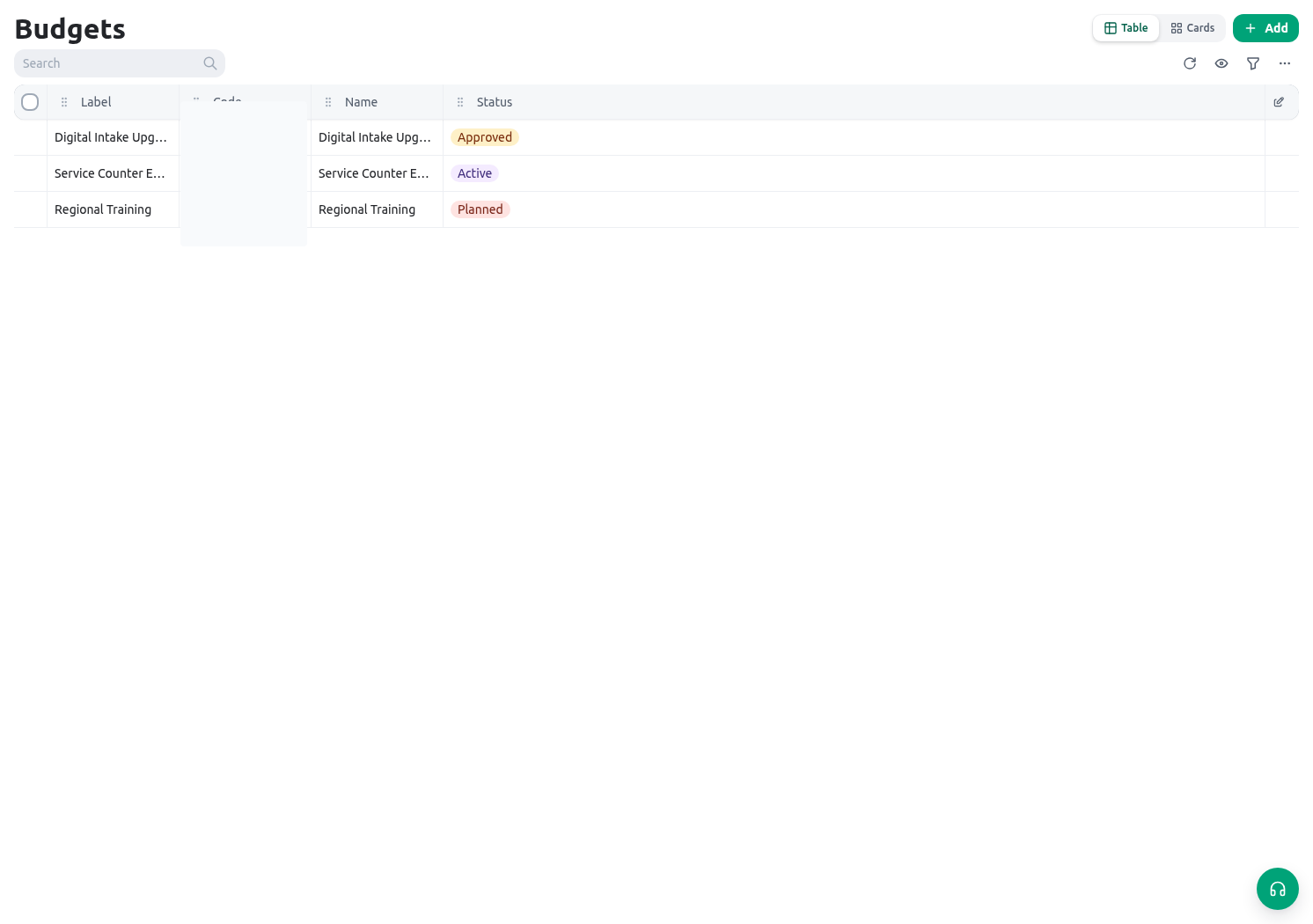
Related guides
- Connect a line to a target in Budget allocations.
- Govern the service-improvement initiative in Projects.
- Review project-linked workforce time in Shifts and timesheets.