

When to use it
Use an allocation when the directorate needs to associate part of a budget line with a project, plan, goal, output, activity, task, node, location, assignment, position, or another target option shown in the deployed workspace. Choose only targets available in the current form. The underlying model can support a wider set of target types, while older/specialized screens may offer a narrower list. Do not document or select a target solely because it exists in another organization’s configuration.Configuration
The standard source metadata supports planned, released, committed, in-use, closed, and cancelled allocation states. Treat these as configured operational states. None proves an accounting entry, supplier commitment, public-finance approval, or actual expenditure on its own.
Workflow
- Open Budget allocations and identify the target purpose before choosing values.
- Select the budget.
- Select the budget line that belongs to that budget and represents the intended purpose.
- Choose the target type visible in the deployed form, then choose the target record.
- Select fixed amount or percentage where the form offers that choice. Enter the reviewed amount/percentage.
- Set the frequency and dates if they are enabled. Check that the end date is not earlier than the start date.
- Select the configured status and add concise details/overview where needed.
- Save, then re-open the allocation and verify budget, line, target, amount mode, dates, and status together.
Worked example
The Directorate assigns part of its regional-training line to the intake-modernization project.Budget: BUD-INTAKE-2026 Budget line: TRAIN-REGIONAL — Regional adviser training Target type: Project Target: PRJ-DIGITAL-INTAKE-2026 Mode: Percentage Percentage: 40 Period: the approved training period Status: choose the status available in the deployed workspaceIf the line’s planned amount is 10,000 in the configured currency, a 40% percentage allocation derives a 4,000 committed amount in the current metadata model. That is a planning calculation. It does not establish that 4,000 is paid, encumbered in an accounting system, or legally committed. For the regional service-centre allocation, choose the Location or Node target only if it accurately represents where the planned use belongs. Do not select an assignment merely because a person is associated with the work.
Testing
Use a temporary budget, line, target, and allocation with non-sensitive values.- Create a temporary budget with two temporary lines.
- Select the budget and confirm that only its lines are selectable.
- Create one fixed-amount allocation and one percentage allocation for different temporary targets.
- Attempt a percentage below 0 or above 100 and confirm validation prevents it.
- Attempt an end date before the start date and confirm validation prevents it.
- Re-open the saved test allocation to verify the complete relationship, then retire the test data.
Troubleshooting
Permissions and data-quality limits
Budget allocation access is controlled by the allocation entity capability and potentially the record’s scopes. Budget or project ownership does not automatically grant create/update/delete access. Keep the target relation and narrative details factual. Do not treat an allocation status, amount, or percentage as an approval, actual expense, accounting posting, legal commitment, or citizen-service performance measure.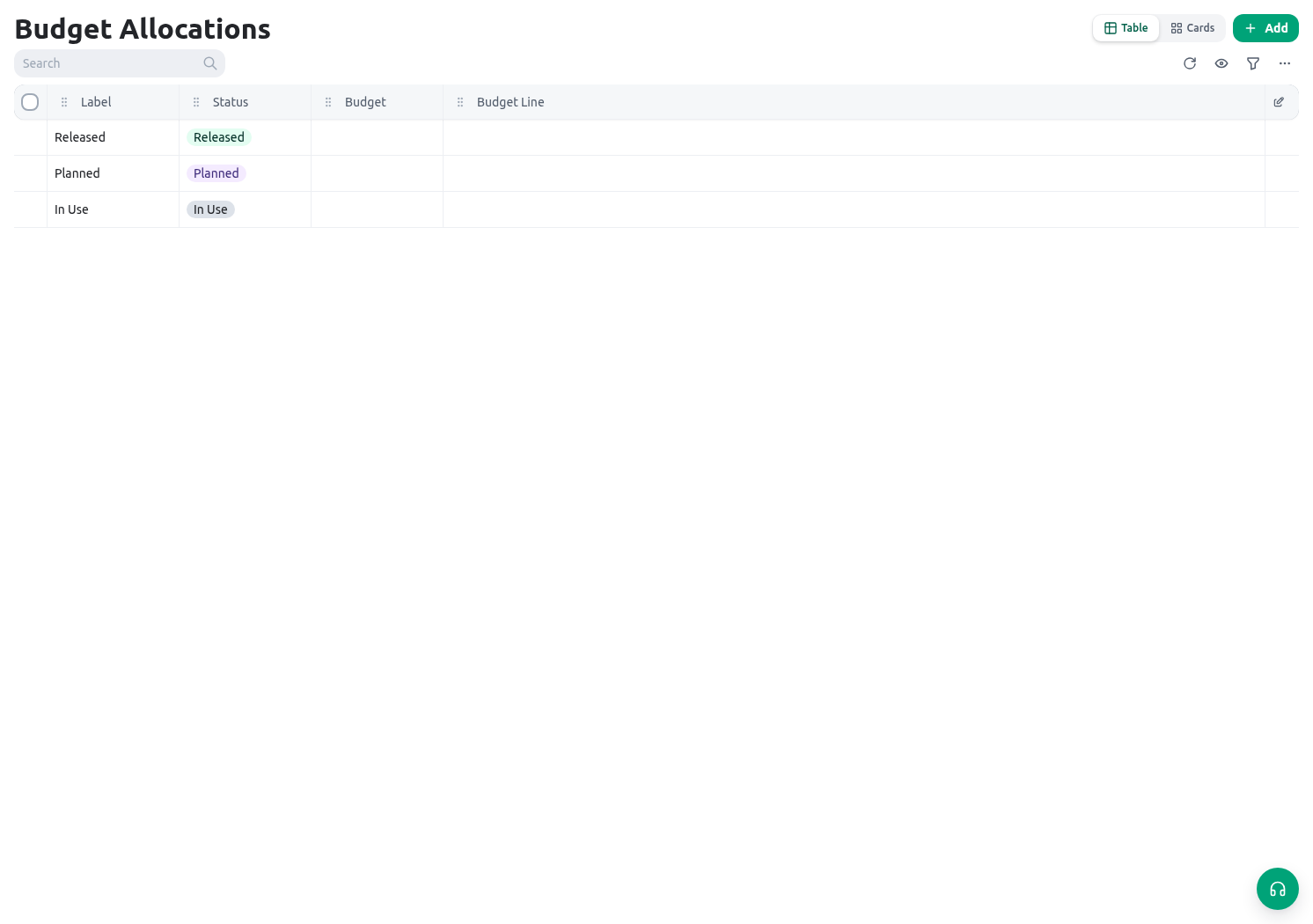
Related guides
- Create the source records in Budgets.
- Define the service initiative in Projects.
- Review workforce/project time in Shifts and timesheets.